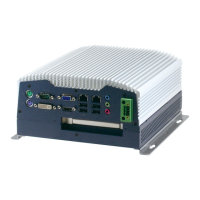
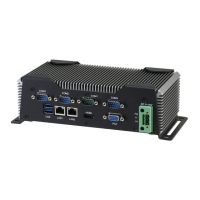
Embedded Controller AEC-6850
Chapter 4 Driver Installation 4 - 4
3. Follow the instructions that the window shows you
4. The system will help you install the driver automatically
Step 4 – Install Realtek AC97 codec Driver
1. Click on the Step 4 - Realtek AC97 codec Driver folder
and then double click on the wdm_a361.exe
2. Follow the instructions that the window shows you
3. The system will help you install the driver automatically
Step 5 – Install USB Card Reader Driver
1. Click on the Step 5 – USB Card Reader Driver folder
2. Double click on the setup.exe
3. Language setting: Choose the highlighted item below to
operate your system in English.
4. Follow the instruction that the window will show to finish
the installation.
Note:
Under the Window OS environment, if the CRT connector is
connected to display monitor by the data switch device, the
user need to set the color and resolution from Intel Graphic
utility (VGA driver) instead of setting from the control panel in
case of the wrong display appearance.


 To Next Page