EasyManua.ls Logo

Aalborg GFM 17 - User Manual

Aalborg GFM 17
32 pages
Print Icon
To Next Page IconTo Next Page
Loading...
Technical Data Sheet No. TD9411M Rev. L Date of Issue: January 2010
OPERATING MANUAL
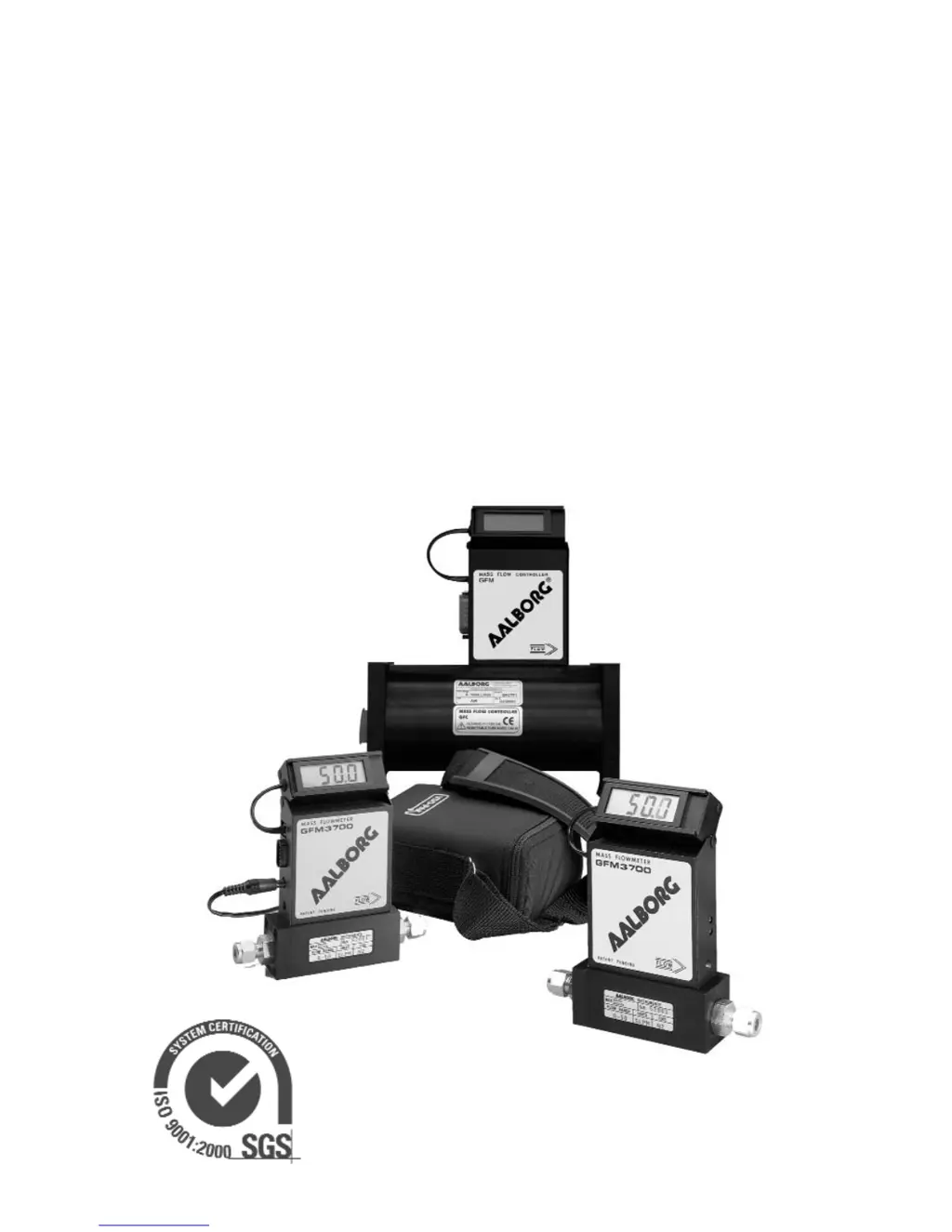
GFM MASS
FLOW METERS
Quality System Registered

Questions and Answers

  • J
    Jill ThomasSep 12, 2025
    What to do if gas does not flow through Aalborg GFM 17 Measuring Instruments?
    • M
      Mr. Michael GonzalezSep 12, 2025
      If gas isn't flowing through your Aalborg GFM despite inlet pressure, and the LCD Display and output voltage signal show zero flow, the filter screen might be obstructed at the inlet. Flush it clean, disassemble to remove impediments, or replace the filter screen (see 6.2 on page 9). Note that calibration accuracy can be affected.
  • L
    lynnkirbySep 13, 2025
    What to do if display reading does not respond on zero adjustment of Aalborg GFM 17 Measuring Instruments?
    • C
      Carlos KeithSep 13, 2025
      If, after a 15-minute warm-up with no flow, your Aalborg Measuring Instruments display no zero reading and the display reading doesn't respond to zero adjustment, it suggests that the power supply voltage is less than 11.0 Vdc. Measure the voltage on pins 4 and 5 of the 9 pin D-connector. If the voltage is indeed less than 11.0Vdc, replace the power supply with a new one (regulated 12.0 Vdc, 250 mA minimum is recommended).
  • K
    khubbardSep 15, 2025
    Why LCD Display reading and analog output fluctuate during flow measurement on Aalborg GFM 17?
    • E
      Eric MillerSep 15, 2025
      If the LCD Display reading and analog output fluctuate widely during flow measurement with your Aalborg Measuring Instruments, it might be because the output signal is shorted on the GND or overloaded. Check external connections to pins 2 and 3 of the D-connector and ensure the load resistance exceeds 1000 Ohm.
  • M
    Michele BrightSep 18, 2025
    Why 0-5 Vdc output signal does not change on Aalborg Measuring Instruments?
    • G
      Gregory DelgadoSep 18, 2025
      If the LCD Display reading corresponds to the correct flow range, but the 0-5 Vdc output signal remains constant (or near zero) on your Aalborg GFM, the output schematic may be burned out or damaged. Return the GFM to the factory for repair.
  • J
    Juan BaxterNov 19, 2025
    How to troubleshoot lack of reading or output in Aalborg GFM 17?
    • C
      Chelsea Little DDSNov 19, 2025
      If your Aalborg Measuring Instruments show no reading or output, consider these potential causes and solutions: * **Power supply:** Verify the power supply is properly connected. * **Fuse:** If the fuse is blown, disconnect the GFM transducer from the power supply to allow the fuse to reset automatically after you remove the shorting condition or check the polarities. * **Filter screen:** Check for obstructions in the filter screen at the inlet; flush it clean, disassemble to remove impediments, or replace it. * **Sensor tube:** An occluded sensor tube can also cause this issue; flush it clean, or return the unit to the factory for replacement. * **PC board or power supply:** A defect in the PC board or a problem with the power supply itself could be the culprit; in either case,...
  • M
    Mariah RileyNov 21, 2025
    Why is the calibration off on my Aalborg Measuring Instruments?
    • H
      halltylerNov 21, 2025
      If your Aalborg Measuring Instruments are showing incorrect calibration, here are a few things to check: * **Gas type:** Ensure the gas being metered matches the gas the meter was calibrated for. Use matched calibration. * **Gas composition:** A change in the gas composition can affect calibration. Refer to the K factor tables in APPENDIX 2. * **Gas leak:** Locate and correct any gas leaks. * **RFE dirty:** Flush clean or disassemble the RFE to remove any impediments. * **Sensor tube:** An occluded sensor tube can affect calibration; flush it clean or return it to the factory for replacement. * **Filter screen:** Check for obstructions in the filter screen at the inlet; flush it clean, disassemble to remove impediments, or replace it. * **Transducer mounting:** Ensure the tr...

Aalborg GFM 17 Specifications

General IconGeneral
TypeMass Flow Meter
MaterialStainless Steel
Process Connection1/4"
Output Signal0-5 VDC or 4-20 mA
Power Supply+15 VDC to +24 VDC

Related product manuals