To Next Page
D
Dawn PriceAug 11, 2025
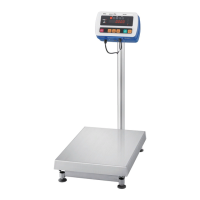
Why are print commands ignored on A&D SB-30 Scales?
- CcarlyfernandezAug 11, 2025
If your A&D scale is set to Continuous mode, it will ignore print commands.

Why are print commands ignored on A&D SB-30 Scales?
If your A&D scale is set to Continuous mode, it will ignore print commands.
Why are print commands ignored for most SD formats on A&D Scales?
If the A&D scale is in motion, print commands will be ignored for most SD formats.
How to troubleshoot A&D Scales that are not receiving properly?
To troubleshoot why your A&D scale isn't receiving properly, use the table in the manual to identify valid commands for your serial data format setting. For instance, to execute the ‘P’ command, press the capital “P” key on your PC keyboard.
 General
| Model | SB-30 |
|---|---|
| Category | Scales |
| Type | Bench Scale |
| Capacity | 30 kg |
| Interface | RS-232C |
| Power Supply | AC adapter or rechargeable battery |