Need help?
Do you have a question about the A&S Studio Bar 100 and is the answer not in the manual?
Guidance on responsible disposal of the product.
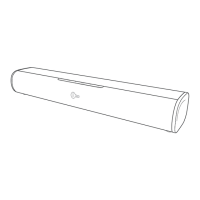
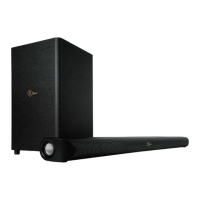
Identifies the main components of the soundbar.
Details the ports and connections on the back of the main unit.
Explains the buttons and functions of the remote control.
Instructions for initial remote control setup and battery.
Guide on how to replace the battery in the remote control.
Safety advice and handling for batteries.
Standard setup instructions for placing the soundbar on a surface.
Guidelines for mounting the soundbar on a wall.
How to connect audio via the optical port.
Instructions for connecting audio using the AUX input.
Steps for connecting the soundbar to a power source.
How to turn the soundbar on and off.
How to choose different audio input modes.
How to control the soundbar's volume level.
Steps to connect Bluetooth devices to the soundbar.
How to play music wirelessly via Bluetooth.
Solutions for when the unit does not turn on.
Steps to resolve issues with no audio output.
Steps to fix problems with the remote control.
Troubleshooting advice for audio noise issues.
Steps to resolve Bluetooth pairing discovery issues.
 General
| Brand | A&S |
|---|---|
| Model | Studio Bar 100 |
| Category | Speaker System |
| Language | English |

 To Next Page