4
Introduction
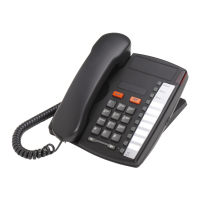
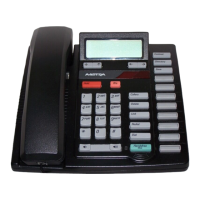
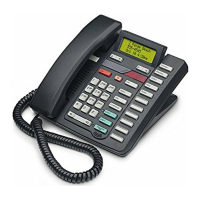
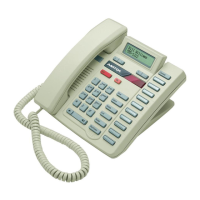
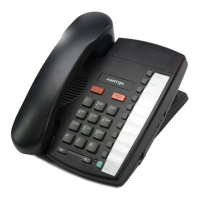
Keys Key Description
Set Indicator
Light
Flashes when the telephone rings, or when a call is on hold; lights
up when a message is waiting. See
Set indicator light
on page 9
for more information.
7 Programmable
Keys
Stores a number or feature for easy access.
N
Ends an active call. It will not hang up a call that is on hold.
O
Places calls on or off hold. See
Using the Hold Key
on page 8
for more information.
R
Sets the handset and speaker volume while on call.
c
Activates the speaker and microphone so you can listen and talk
without using the handset; also mutes the microphone so that
your caller cannot hear you (the light indicator will ßash when
the microphone is muted).
a
Use with network features such as Call Waiting and Three Way
Calling (ßash is also referred to as link).
b
Dials the last number dialed out on the telephone. See
Using
Redial
on page 9 for more information.
K
Use to store numbers in memory keys.
M
Memory keys store numbers. See
Memory keys
on page 10.
9110 2 EF.book Page 4 Monday, March 29, 2004 3:51 PM


 To Next Page