Page 58 01/2007 AMT/PTD/PBX/0062/1/2EN
4.5.3.1.1 R
ESTARTING THE OMM
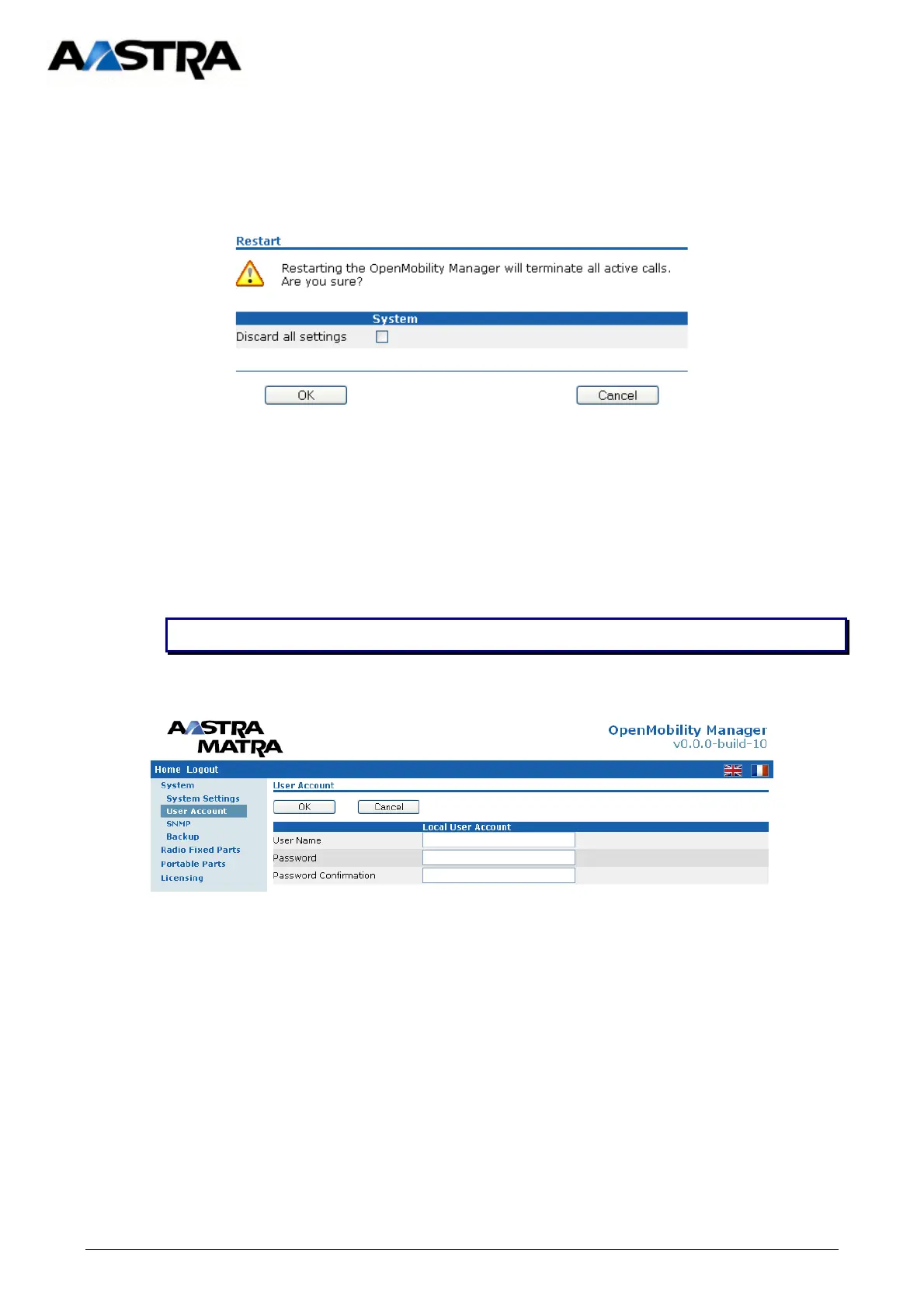
To restart the OMM select “System Settings”, then select “Restart”.
4.5.3.2 USER ACCOUNT
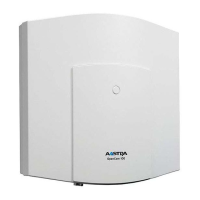
During initial installation, the OMM application is accessible via the default OMM account.
This account can be customised later by declaring a new “Username” and the associated
password.
These two fields are case-sensitive. ATTENTION :



 To Next Page