19
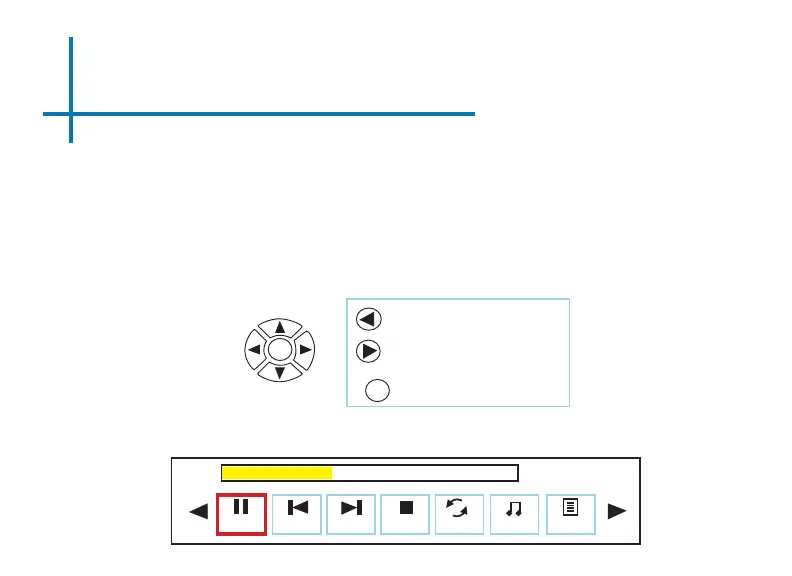
Photo Submenu
Viewing Pictures:
The Photo Submenu can be accessed by pressing “OK” during picture slide-show
playback. To exit the Photo Submenu, press the “Back” button or wait 5 seconds.
To navigate the playback menu, use the directional buttons on the navigation pad
or remote to highlight the option you wish to choose (Fig 3.6).
*Review Specication section of this manual for supported picture formats.
Fig 3.6
Pause Prev. Next Stop Repeat N
00:00:59 / 00:04:20
Msc Off
Playlist
Move selection left
Move selection right
OK
Conrm selection
OK



 To Next Page