25
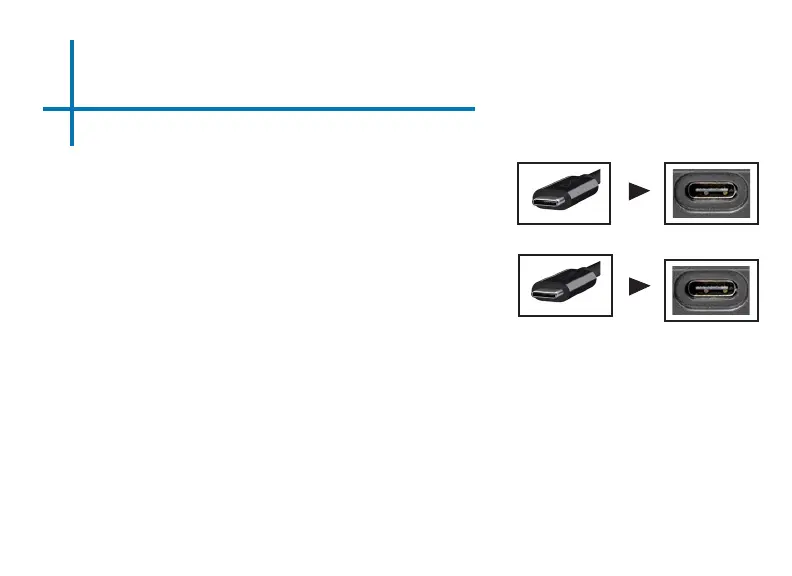
Connect one end of the USBC Cable to your
device’s USBC (compatible) Display Port.
Step 1:
Step 2:
Step 3:
In the Main Menu, select the “Mirror” Icon. Your BP1 should now be
mirroring the content from your device.
Connect the other end of the USBC
Cable to your BP1’s USBC (compatible)
Display Port.
NOTE: When connecting to a USBC device, the BP1 may experience
shorter battery runtime due to the continuous charge the BP1 is provid-
ing to the connected USBC device.
Connecting to a Device via USBC
(Compatible) Display Port Cont.


 To Next Page