18
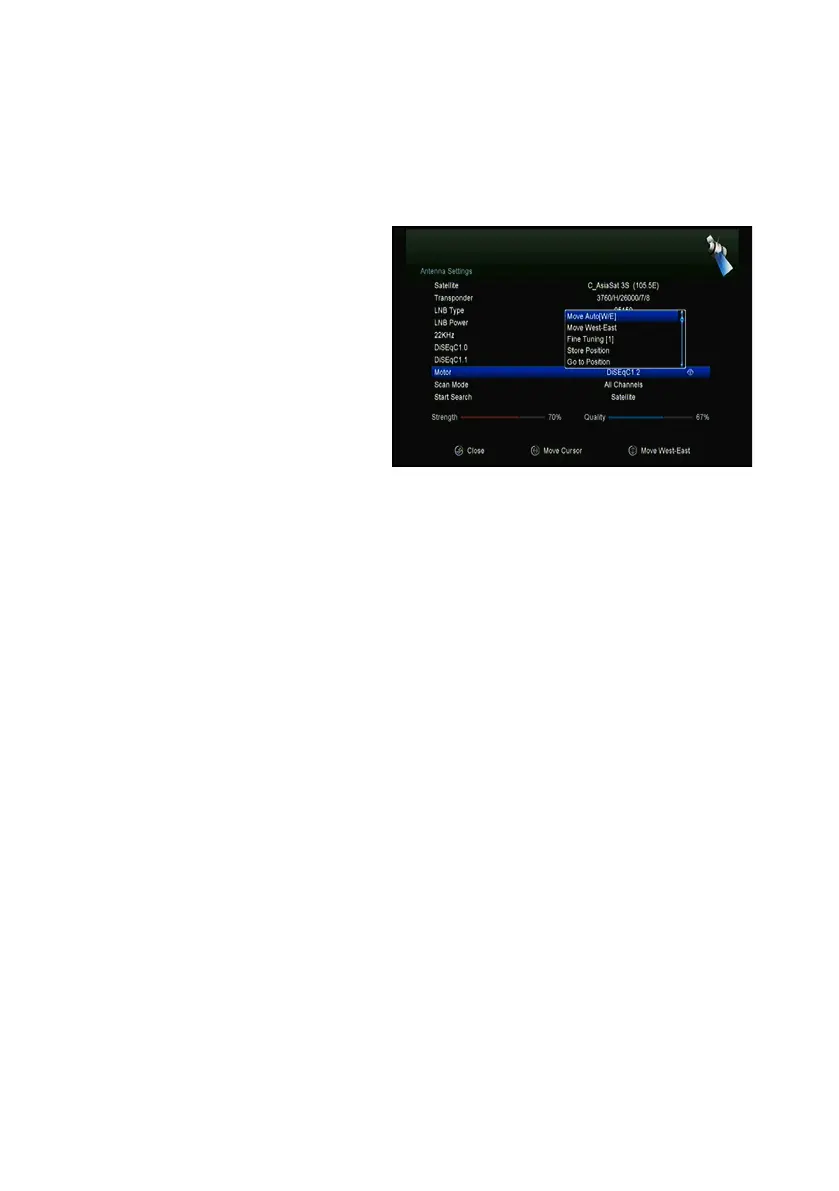
4.2.4 Antenna Settings for Motor
Menu-> INTALLATION ->Antenna Settings->Motor
1. Motor Mode:
Select DiSEqC 1.2 or USALS using
the ◄/► button.
DiSEqC 1.2: General motor
antenna using DiSEqC 1.2.
USALS: Motor antenna using
USALS.
" Move Auto[W/E]
Press ◄/► button, the dish will be motorized to East/West continuously, it will stop
until it find the best signal.
" Move west-east
Press ◄/► button, the dish will be motorized to East/West step by step, until you
find the best signal showed on the signal bar.
" Fine Tuning(1)
Input digital button to set the moving step
" Store Position
Save the current position you searched.
" Go to Position
Press OK button to move the dish to the position which you saved.
" Go to Reference
Press OK button to move the dish to 0 position.



 To Next Page