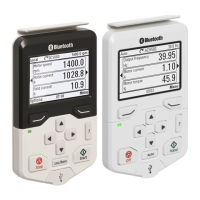
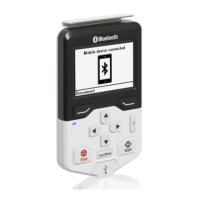
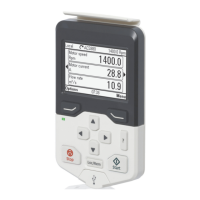
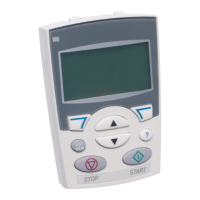
■ Display
In most views, the following control panel elements are shown on the display:
Indicates how the drive is controlled:Control location and
related icons
1
No text: The drive is in local control, but controlled from another device. The icons
in the top pane indicate which actions are allowed.
Local: The drive is in local control, that is, controlled from the control panel.
Remote: The drive is in remote control, that is, controlled through I/O or fieldbus.
Indicates that there are more than one drive connected to this panel.To switch to
another drive, go to Options → Select drive.
Panel bus2
Indicates the status of the drive and the motor. The direction of the arrow indicates
forward (clockwise) or reverse (counter-clockwise) active reference direction.
Status icon3
Note: For non-rotating driven equipment, the numbers 1 and 0 are used to indicate
that the drive is running or stopped, respectively.
Drive statusAnimationStatus
icon
Stopped-
Stopped, start inhibited-
Stopped, start command given but start inhibitedBlinking
FaultedBlinking
Running, at reference, but the reference value is 0Blinking
Running, not at referenceRotating
Running, at referenceRotating
Control panel overview 19



 To Next Page