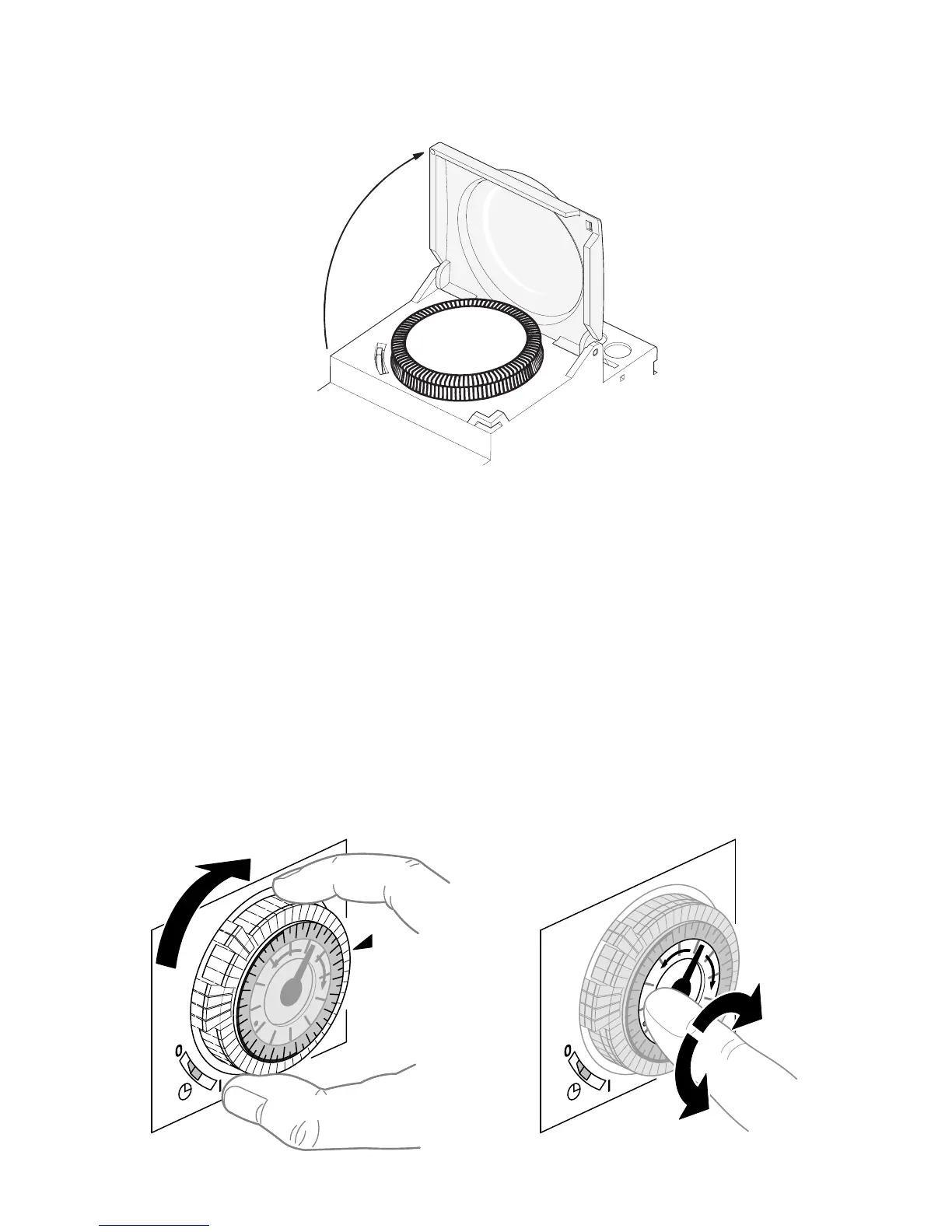
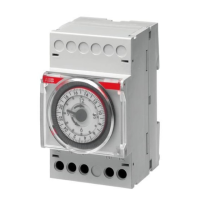
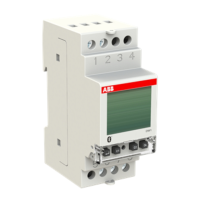
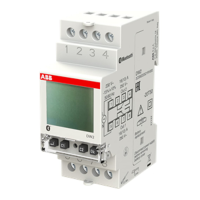
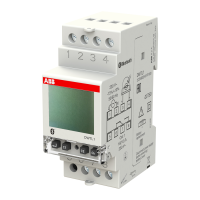
AT3, AT3-R (24 hr version):
Turn the programming dial in clockwise direction to set the time read off the
24-hour dial opposite the marking.
Turn the transparent dial with the minutes pointer to set the time
precisely (the transparent dial be turned in both directions).
AT3-7R (7-day version):
Turn the dial in clockwise direction to set the time and to the marking.
Then proceed in the same way as for the
AT3, AT3-R
.



 To Next Page