5
Setting time and day
Winter/summer time change
Select the mode with menu then enter.
Modify the day, month, year, the hour and the minutes using + or - and enter.
The time switch next suggests the winter / summer time changes .
Select the type of change desired using + or -.
Validate with enter.
The type of change depends on the geographical zone.
Types available: (
*
= type according defect)
The change always takes place between 2:00 and 3:00 a.m.
Note:
For United Kingdom, use the geographical area Euro.
When the USER type is selected:
1. Enter the day then the month of the date of change of the summer time
(+1h) with + or - and enter.
2. Enter the day then the month of the date of change of the winter time
(–1h) with + or - and enter
The time switch will check which days of which weeks correspond to these
dates and will apply changes to the same periods for the following years
independently of the date.
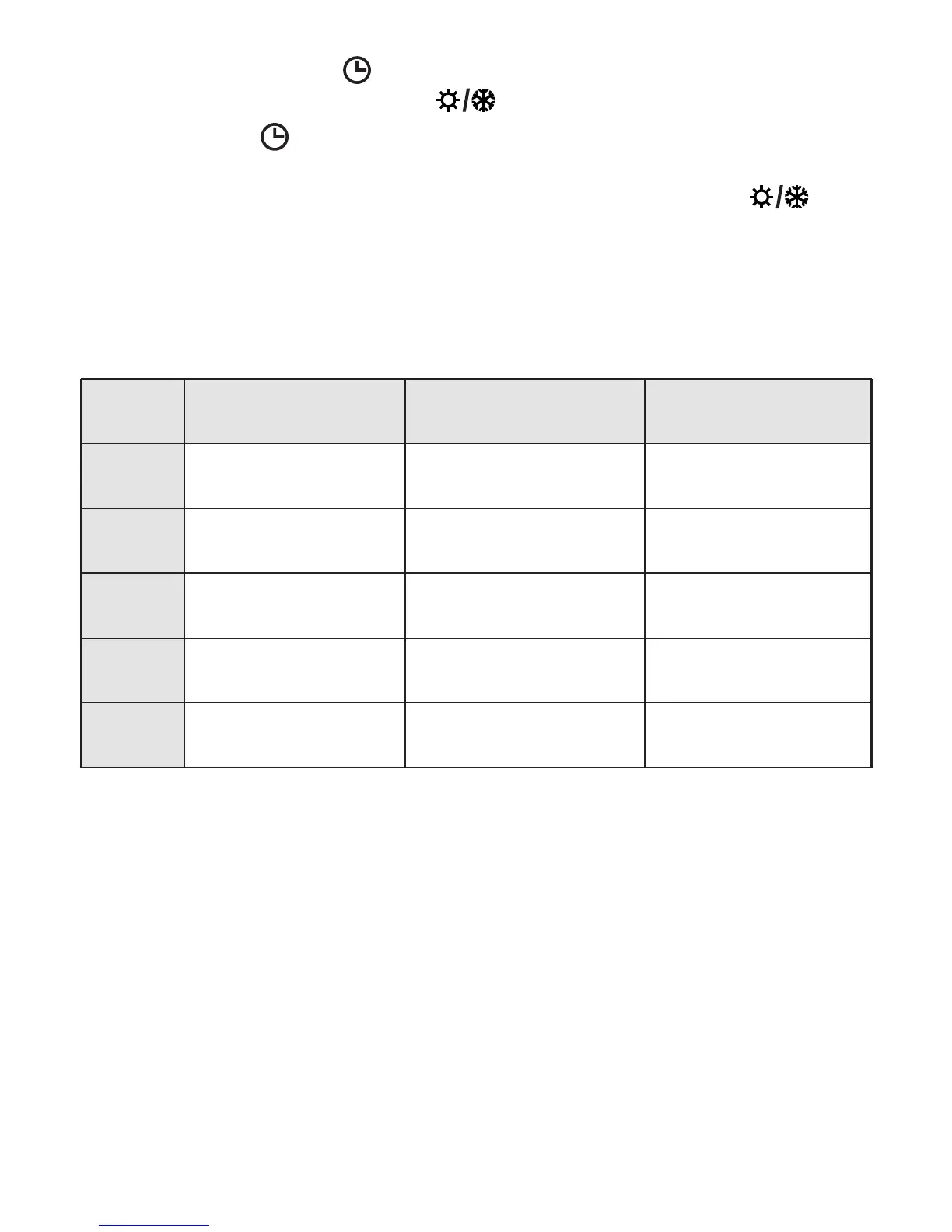
Type Start of time Start of time Zone of
change Summer change Winter application
Euro Last Sunday Last Sunday European
of March of October Union
USA Second Sunday First Sunday North America
of March of November
AUS Last Sunday Last Sunday Australia
of October of March
USER Date freely Date freely
programmed programmed
No No No
change change
*



 To Next Page