SECTION 6
32
i-STAT
Alinity — Quick Reference Guide Art: 731848-01 Rev. M Rev. Date: 25-Jul-2022
For experienced users, the help screens may be bypassed by inserting a
lled cartridge.
Once the cartridge is inserted, Contacting Cartridge will display followed by
the countdown bar. This allows the user to estimate the time to results. Alerts
such as Cartridge Locked and Instrument Must Remain Level are also
displayed.
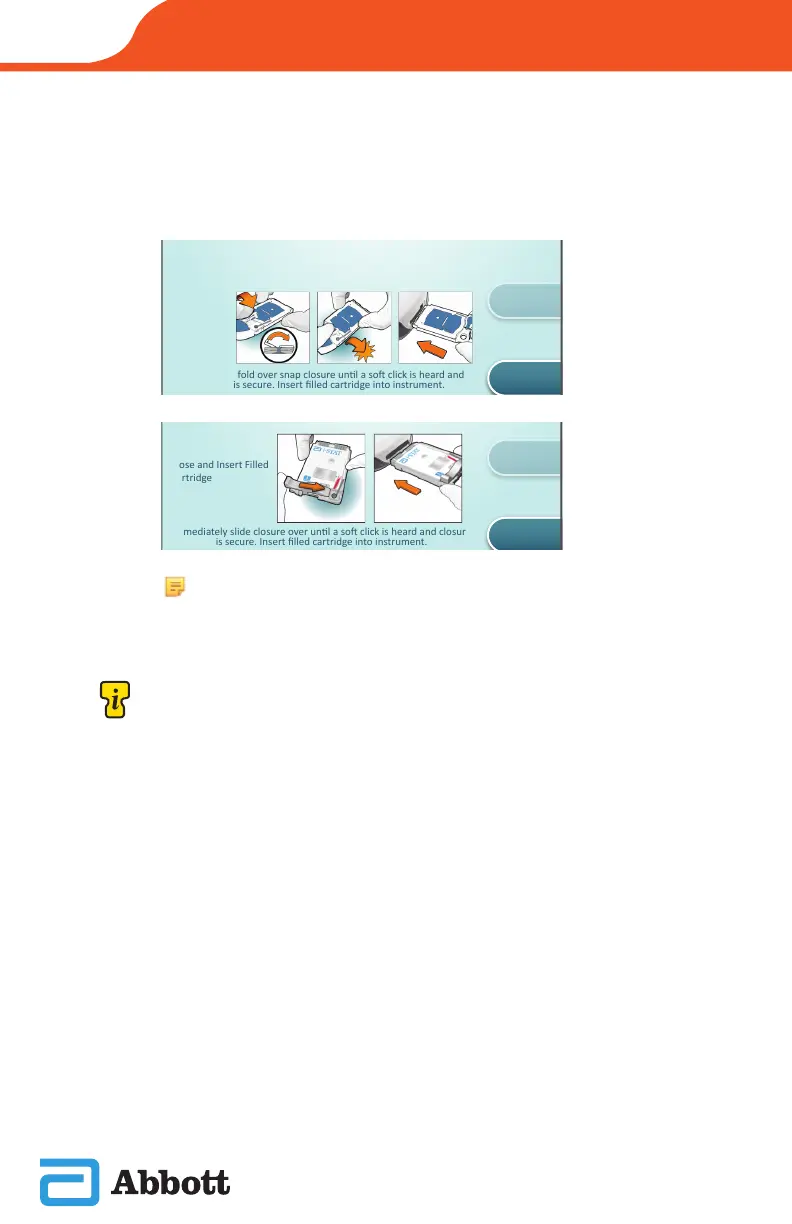
After the instrument successfully scans the barcode,
help screens will be displayed. See examples below.
Close and Insert Cartridge
Close and Insert Filled
Cartridge
View
Entered Info
Previous
Close and Insert Cartridge
Close and Insert Filled
Cartridge
View
Entered Info
Previous
NOTE: Not all cartridges are available in all regions. Check with
your local representative for availability in specic markets.












 To Next Page