3. Tap .3.
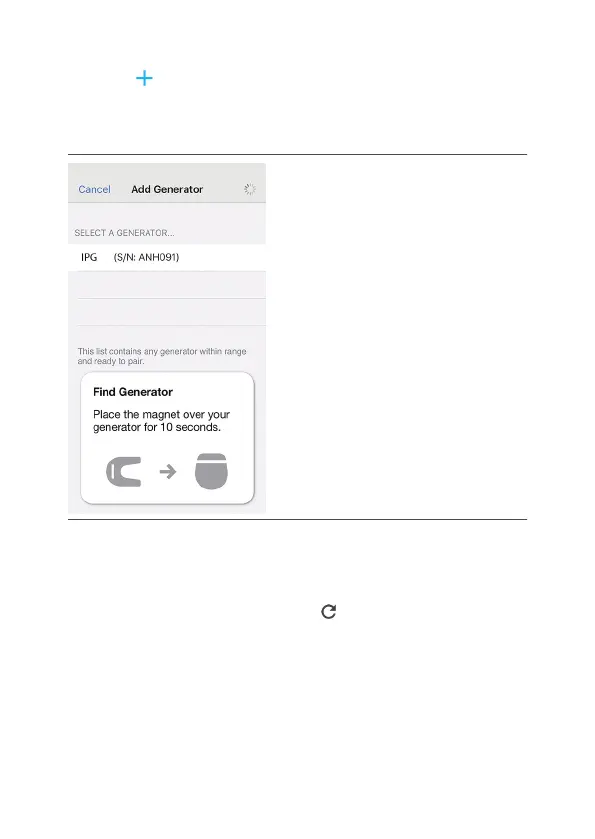
The Add Generator screen opens.
Figure 18. Add Generator screen
4. Tap an available generator in the “Select a4.
Generator…” list.
If the “No Generators Found” message displays,
repeat step 1 and then tap to search for available
generators again and refresh the generator list.
5. Enter the pin code displayed on the screen in the5.
Bluetooth Pairing Request dialog box.
75



 To Next Page