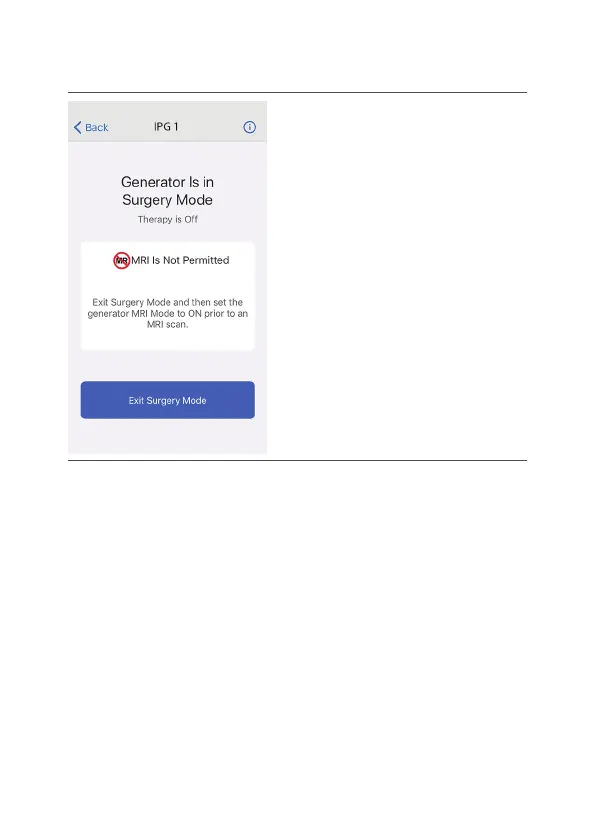
Figure 9. Generator is in Surgery Mode screen
2. Tap Exit Surgery Mode. The paent controller app2.
disables Surgery mode. The Therapy screen
appears, showing that smulaon therapy is o.
3. To start smulaon, tap Therapy is OFF.3.
Using the MRI Mode Feature
You may be implanted with the parts that make up a
Magnec Resonance (MR) Condional system, which
allows you to receive an MRI scan if all the requirements
for the implanted parts and scanning are met. This
secon provides informaon and instrucons about
what you need to do before and aer an MRI scan.
40



 To Next Page