2
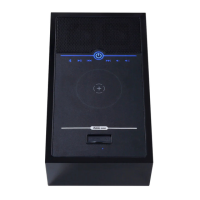
CONTROL PANEL
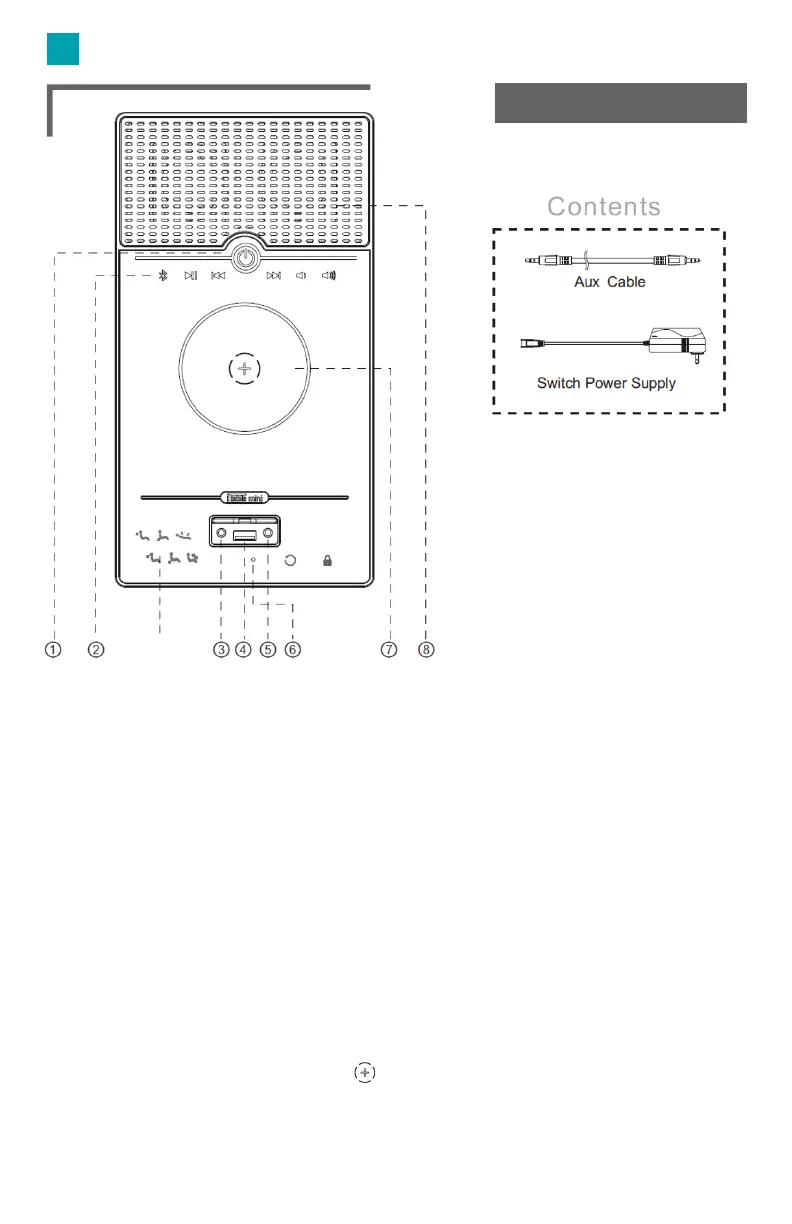
Power: ON/OFF. All switch LED will illuminate when ON.
Audio Control Panel: Bluetooth, Play/Pause, Previous Track, Next Track,
Volume -, Volume +
Headphone Jack.
USB Outlet: Connect your smart device to the USB.
Aux Port.
Bluetooth Indicator: Flashes quickly when it is standby for Bluetooth
paring. Flashes slowly when it searches for another iTable mini. Keeps
illuminating when it is paired successfully.
Wireless Charging Pad: To charge your device, place your cellphone in
the center on the control panel
Speaker: Audio player speaker.
Reclining buttons
H
M1 M2 M3
⑨


 To Next Page