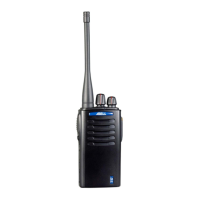
A-80 UHF SERVICE MANUAL
- 3 -
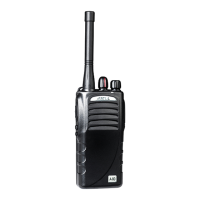
Setting Acquainted
① PTT (Push-To-Talk) switch
Press this switch, then speak into the microphone to call a station. Release the switch to
receive.
② Monitor Key
Press and hold to monitor how busy the current channel is and to monitor signals being
received that don’t contain the matched QT/DQT code.
③ Channel announcer
Press this switch to get current channel information.
④ Channel selector
Rotate to select channels 1-16.
⑤ LED indicator
Lights red while transmitting, green while receiving a signal. Flashes red when the battery
voltage is low while transmitting.
⑥Power switch/Volume control
Turn clockwise to switch the transceiver ON. Turn counterclockwise until a click sounds, to
switch the transceiver OFF. Rotate to adjust the volume level.


 To Next Page