Page 5
DESRIPTION
Device selection can be done in different ways. The simplest way is to type the number of the
device directly into the test box. The devices can be filtered down to specific groups to make
browsing easier. Multiple groups can be selected pressing the SHIFT key and then selecting
groups
COMMENT
For many devices there are prefixes and suffixes. In most cases it is not necessary to type in
these characters. If you identify the base number you can type in the first few characters and
then browse the device library offered in the list.
As with the 74xx series of devices where there are a range of different types, LS, AC,HC, AS
etc. It is important that you select a device with corresponding thresholds for the device
under test (DUT). For example the threshold for and AC device is as a CMOS device threshold
so you must use the correct type to test the device properly. TTL has a high threshold of 2.4V
but the 74C type has a High threshold of 4.0V.
EXERCISE 3 : BOARD FAULT LOCATOR POWER SUPPLY
ACTION
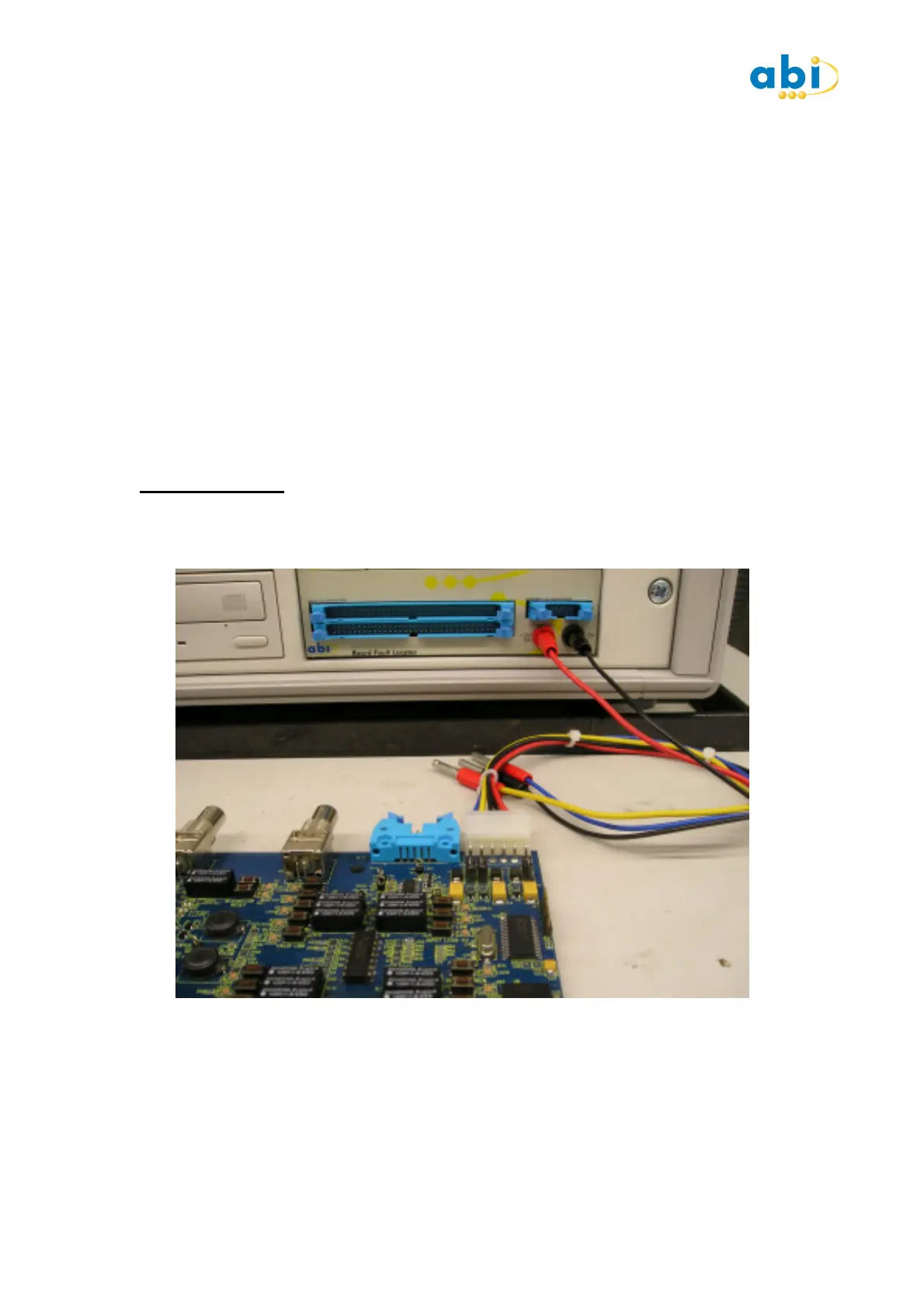
Attach the red and black power lead from the training board connector to the BFL Supply.
DESCRIPTION
The BFL provides a 5V @5A supply for the IC tests. The entire PCB is powered by this supply
which is switched on and off as required by the tests you are running. Because a combination
of power-on and power-off can be run together it is the ideal supply to use as no errors of
running power-off tests with voltages present will occur. In the SETUP there is a delay option
that delays the time from the supply being switched on the test starting.


 To Next Page
 Loading...