32
6. Training in USER PROGRAM:
6-1 After USER PROGRAM is chosen, can you set preferred program by
pressing UP-, DOWN- and MODE-button for each column. There are 20
segments to preset. If you want to exit under the presetting, hold the MODE
button for 2 seconds. The previous profile setting is stored for unfinished
programs.
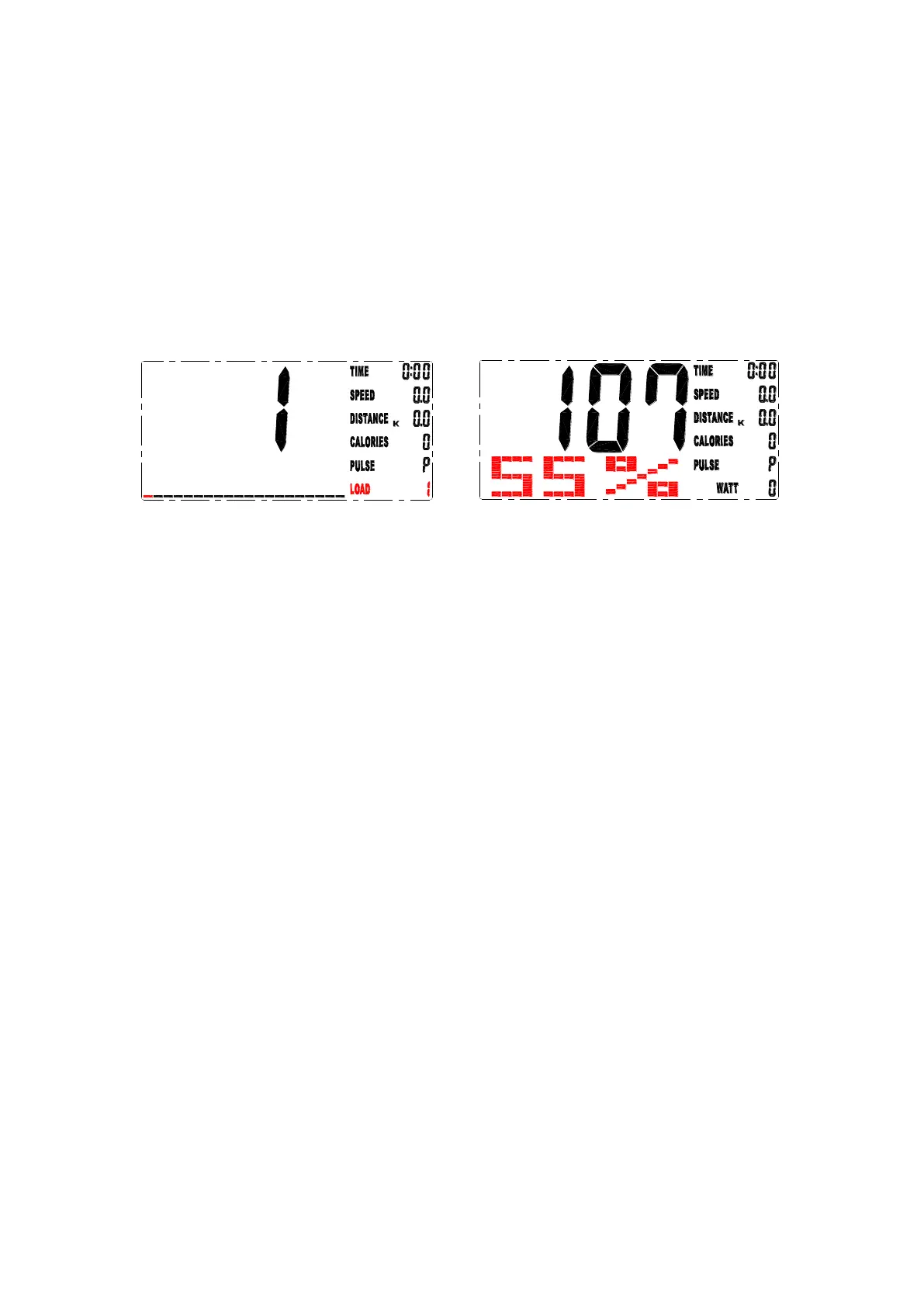
7. Training in H.R.C.-mode:
The computer automatically calculates pulse value according to the age
setting. The screen shows pulse percentages 55%, 75%, 90% and TARGET.
You can select pulse percentage with the OPP / DOWN / MODE button for set
exercise. (Drawing 17)
drawing 16 drawing 17
8. Training in WATT-mode:
The preset watt value 120 flashes on the screen in WATT mode. Select UP /
DOWN / MODE to set the target value from 10 to 350. You start the exercise
by pressing the START button.
Note:
1. If you stop exercising or the screen does not receive a signal in 4 minutes, it
turns off and goes into power save mode.
2. If the computer is not working properly, unplug the cable and reinsert it.
3. MP3 compatible. The user can connect MP3 player to MP3 output.


 To Next Page