C-2 Appendix C
BE6
Step 3.
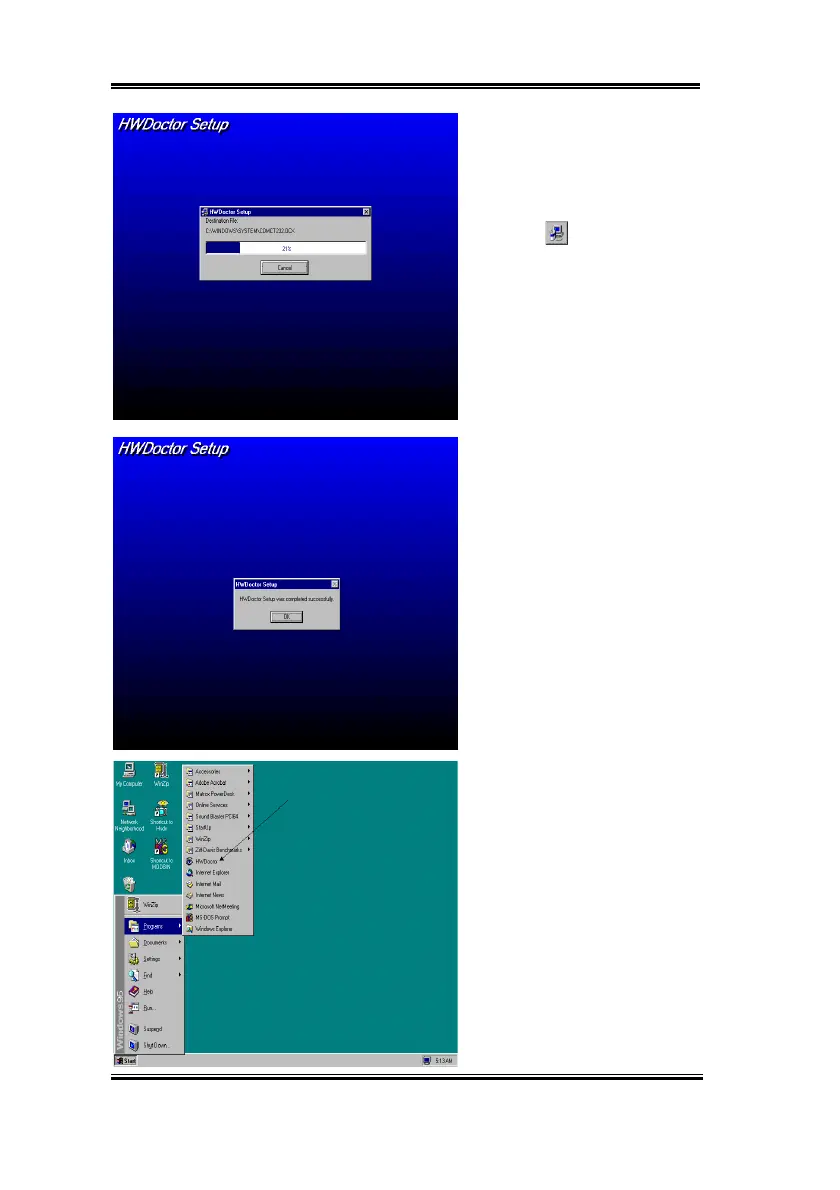
You can specify the
program install path by clicking
“Change Directory” button. Or if
you want to use the default path,
click the icon to continue
the install process. Now the screen
will show you the percentage of
installation progress.
Step 4.
When the progress finishes,
click the “OK” button.
Step 5.
Go to the Windows toolbar
and click the “Start” button, then
choose the “program”
(
“HWDoctor” (See the arrow mark
on figure below).



 To Next Page