Troubleshooting (Need Assistance?) I-3
Main instructions:
To fill in this “Technical Support Form”, refer to the step-by-step instructions given below:
1
*
. MODEL: Note the model number given in your user’s manual.
Example: KD7/KD7-RAID.
2
*
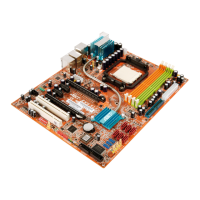
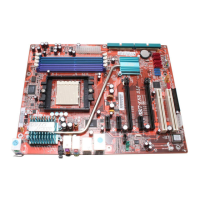
. Motherboard model number (REV): Note the motherboard model number labeled on the
motherboard as “REV:*.**”.
Example: REV: 1.01
3
*
. BIOS ID and Part Number: See the on screen message.
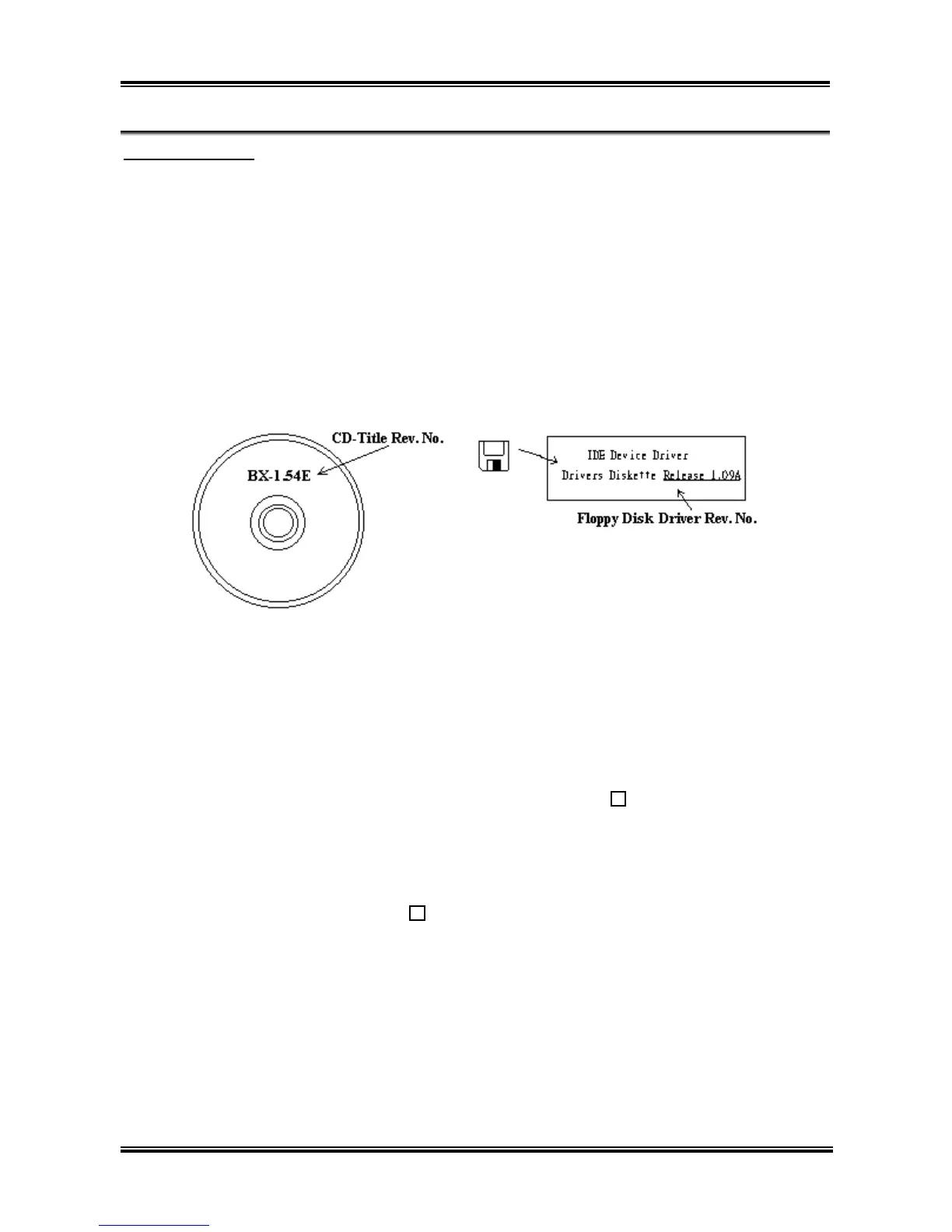
4. DRIVER REV: Note the driver version number indicated on the DEVICE DRIVER disk (if any) as
“Release *.**”. For example:
5
*
. OS/APPLICATION: Indicate the operating system and applications you are running on the system.
Example: MS-DOS
®
6.22, Windows
®
98 SE, Windows
®
2000, etc....
6
*
. CPU: Indicate the brand and the speed (MHz) of your CPU.
Example:(A) In the “Brand” space, write “Intel”; in the “Specifications” space, write “Pentium
®
4
1.9GHz”.
7. HDD: Indicate the brand and specifications of your HDD(s); specify if the HDD is using IDE1 or
IDE2. If you know the disk capacity, indicate it and check (“”) “
”; in case you give no
indication, we will consider that your HDD is “IDE1” Master.
Example: In the “HDD” space, check the box; in the Brand space, write “Seagate”; in the
Specifications space, write “ST31621A (1.6GB)”.
8. CD-ROM Drive: Indicate the brand and specifications of your CD-ROM drive. Specify if it uses
IDE1 or IDE2, and check (“”) “
”; in case you give no indication, we will consider that your
CD-ROM is “IDE2” Master.
Example: In the “CD-ROM drive” space, check the box, in the Brand space, write “Mitsumi”, in the
Specifications space, write “FX-400D”.
9. System Memory (DDR SDRAM): Indicate the brand and specifications (DDR DIMM) of your
system memory. Such as Density, Description, Module Components, Module Part Number, CAS
Latency, and Speed (MHz).
For example: In the Brand space, write “Micron”; in the Specifications space, write: Density:
128MB, Description: SS 16 Megx72 2.5V ECC Gold, Module Components: (9) 16 Megx 8,
Module Part Number: MT9VDDT1672AG, CAS Latency: 2, Speed (MHz): 200 MHz.
User’s Manual



 To Next Page