19
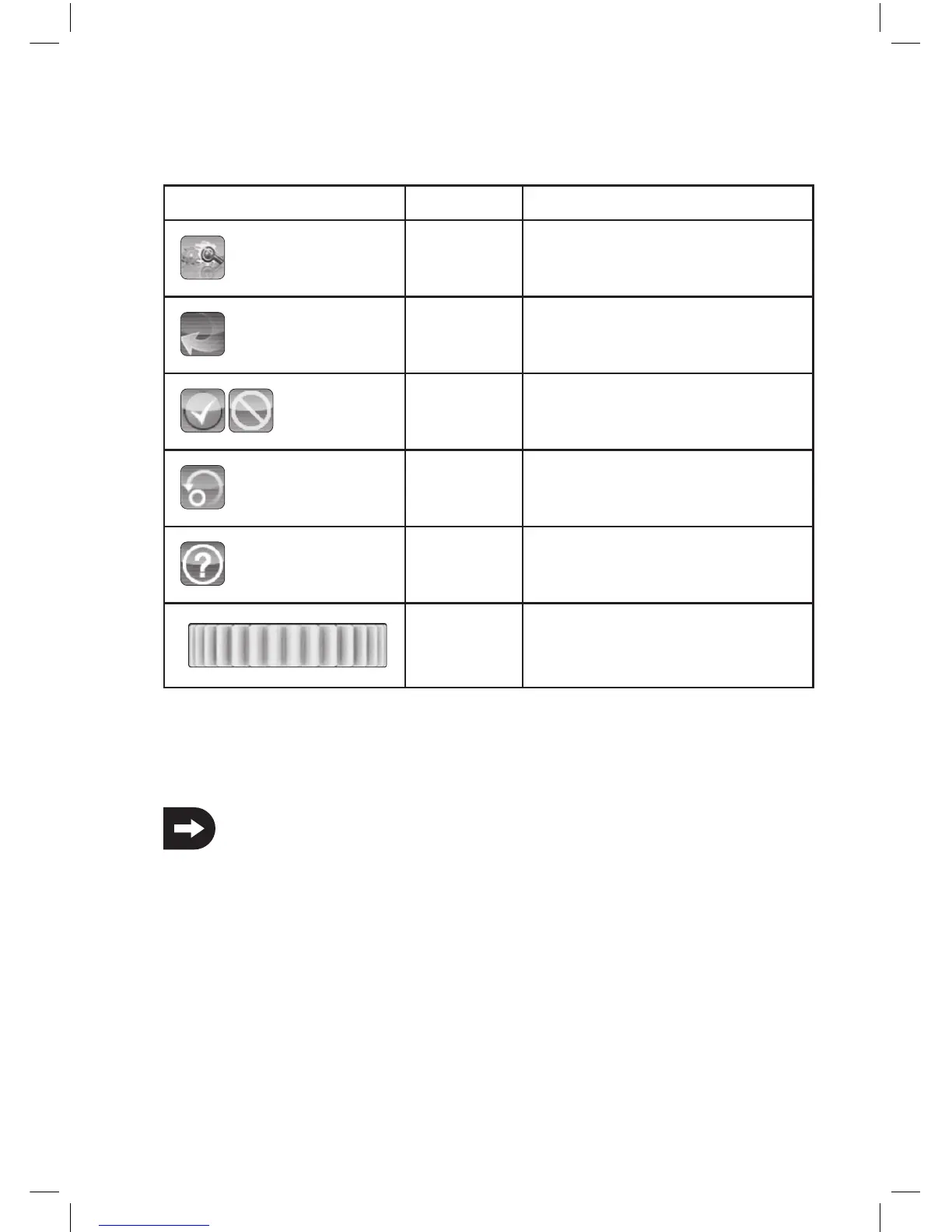
b) Icon explanation
Icon
Main menu This icon will take you to the main menu, where
you can program your product individual.
Back This icon allows you to return back to the
previous menu.
Activate/
Deactivate
With these icons you activate or deactivate
your customizations.
Re-establish This icon restores the factory setting of the
customized menu point.
Help Use this icon to call up the help function
(only German, French and English).
Control This icon restores individually the selected
parameters.
c) Handling the LC-Touchscreen-Display
By hand or with a suitable pen you can select for the operation of a LCD touchscreen display the individual menu items and
adjust the values . The selected parameters are always highlighted in yellow.
Thus, the LCD screen protect from being scratched, we recommend the use of a suitable pen for the operation
of the LCD.



 To Next Page