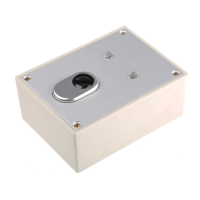
Training the key switch
1. The ABUS alarm system must be in programming mode.
2. Under “Zones”, select “Allocation” and set the system to
learn mode. You see the message “(Re) Write” on the display.
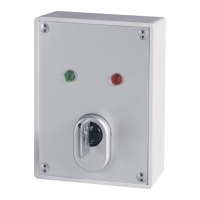
3. Insert the key in the cylinder and turn it clockwise to its end
stop so that the red LED lights up. Keep the key in this
position.
4. After about 3 seconds, the red and green LED flash
alternately and the transmitter sends the learn message.
5. Check that the alarm system has recognised the detector.
6. Program no
supervision for this detector.
7. Program the zone as “Latch KSW” zone type. If you
program the zone as “BlLatch KSW delay”, the system
starts the exit delay time following activation.
8. Switch the alarm centre back to normal operating mode.
Technical data


 To Next Page