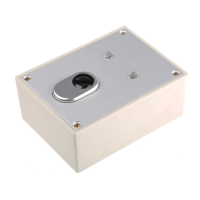
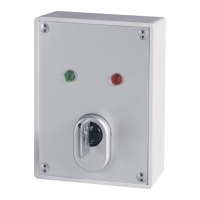
Description
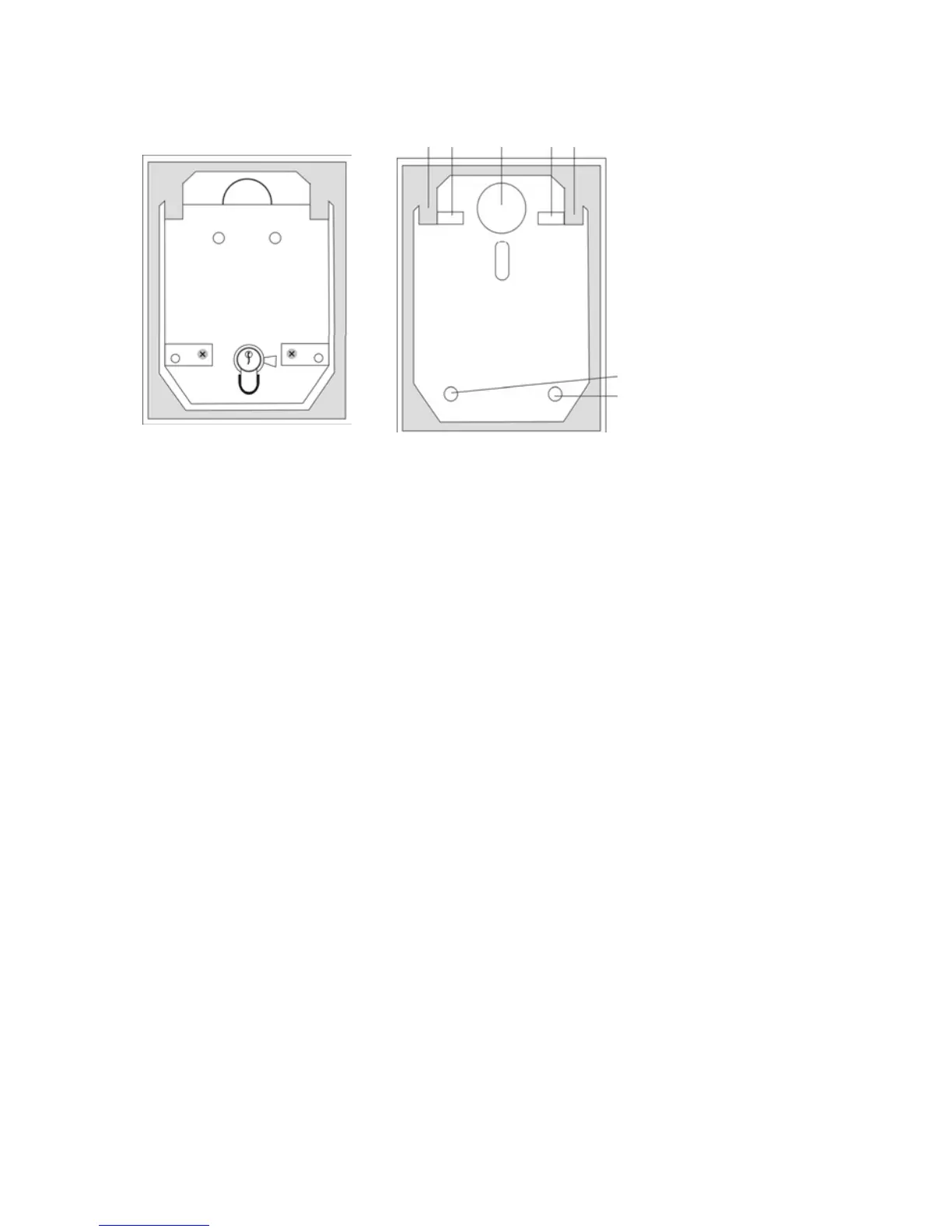
1 2 2
1
1
PCB
holder
2 Wall fixing
2
2
[Fig. 1]
Casing
open
(with
PCB)
[Fig. 2]
Casing without
PCB
Installation
1. Using the key supplied, unscrew the cover screws and remove
the cover plate.
2. Remove the two PCB screws on the left and right of the cylinder.
3. Pull the cylinder and PCB carefully upwards and out.
4. Use the back of the key-switch case as a template for marking
the drill holes (2). Drill the holes for the fixing screws.
5. Fix the key switch to the wall using the screws supplied.
6. Replace the PC board. Make sure that the anti-removal tamper
contact is pressed.
7. Connect the battery supplied.
8. Replace the cover and screw it tight with the four special screws.


 To Next Page