EasyManua.ls Logo

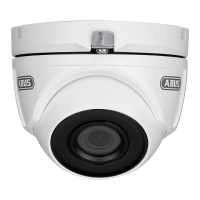
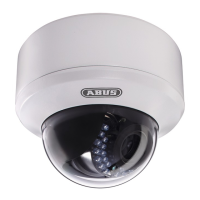
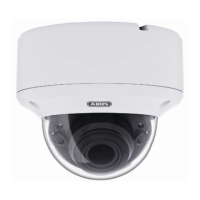
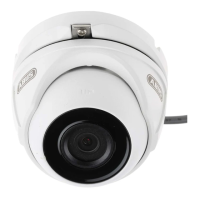
Abus HDCC62500 - Camera Orientation Adjustment; Power Supply Connection

Abus HDCC62500
Print Icon
To Next Page IconTo Next Page
To Previous Page IconTo Previous Page
Loading...
English
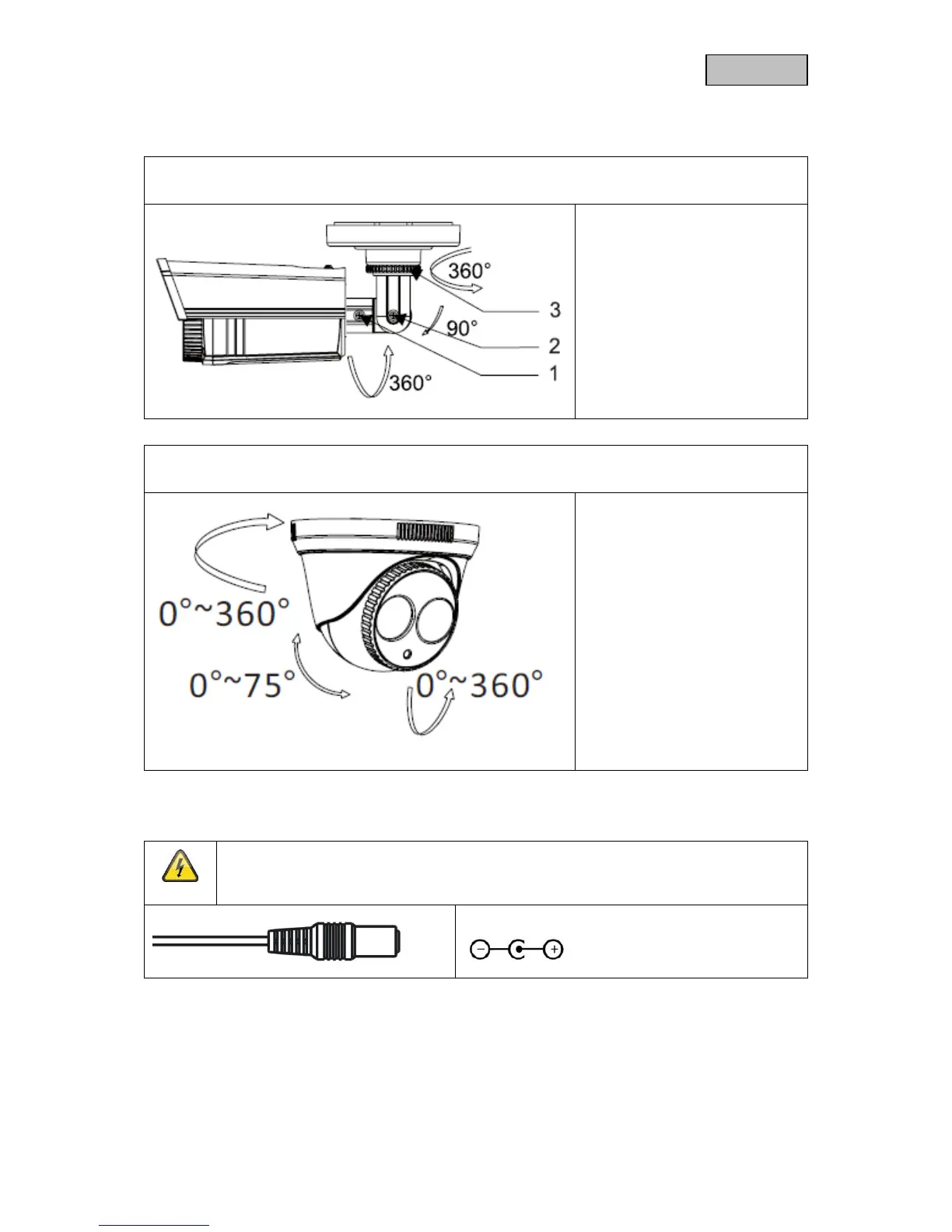
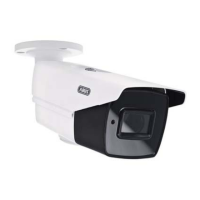
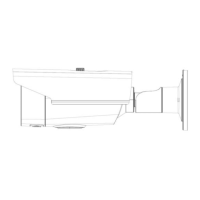
3.2. Orientation of the camera
HDCC62500
The camera module can be oriented in three axes.
1: Fixing screw (rotation)
2: Fixing screw (tilt)
3: Fixing ring (turn)
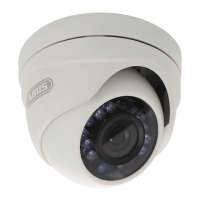
HDCC72500
The camera module can be oriented in three axes.
Unscrew the locking
ring in an
anti-clockwise direction and align
the housing and camera module
for orientation. Then fix in place
by screwing the locking ring back
on in a clockwise direction.
3.3. Power supply
IMPORTANT!
Before starting installation, ensure that the power supply voltage and the rated voltage of
the camera are identical.
12 V DC, barrel connector, 5.5 x 2.1 mm
The cameras require a 12 V DC power supply. The polarity of the DC voltage supply must be observed!
37


Table of Contents

Related product manuals