143
Format
The format for the pictures is preconfigured as JPEG.
Resolution
Set the resolution of the picture here.
Quality
Select the quality for the saved pictures here.
Interval
Set the interval to occur between the saving of two pictures here.
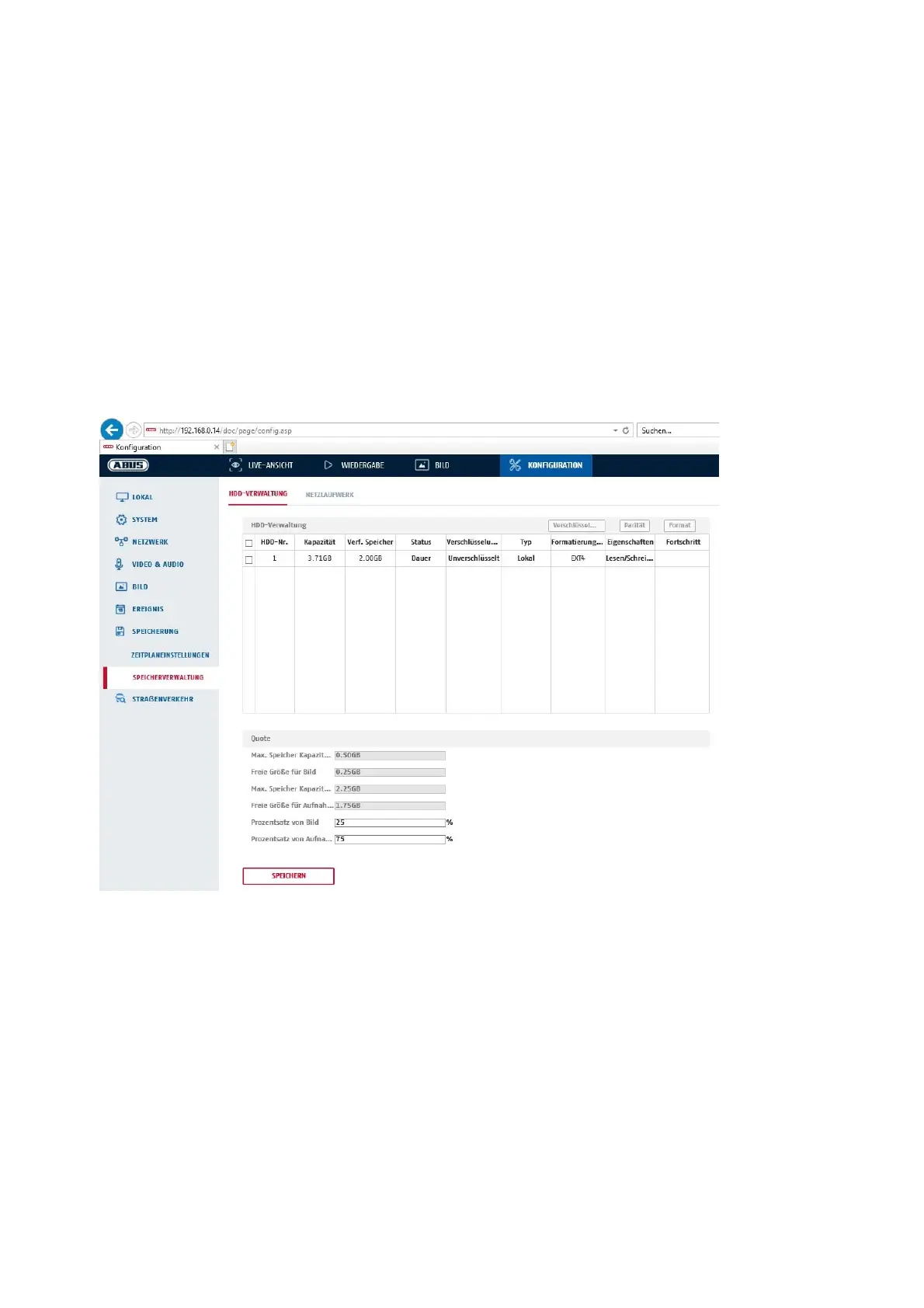
8.7.3 Storage Management
Here you can format the inserted microSD card and display its properties. Furthermore, the data on the
storage medium can be encrypted. A percentage distribution of the storage space of video data and single
frames can also be made.
First set all the desired options and parameters and then format the storage medium.
8.7.4 NAS
This menu can be used to set the NAS storage locations; these are then available in the camera as a drive
(HDD) for storage.
Server Address IP address of the NAS drive
File Path: path on the NAS drive



 To Next Page