92
7.2 Live image display
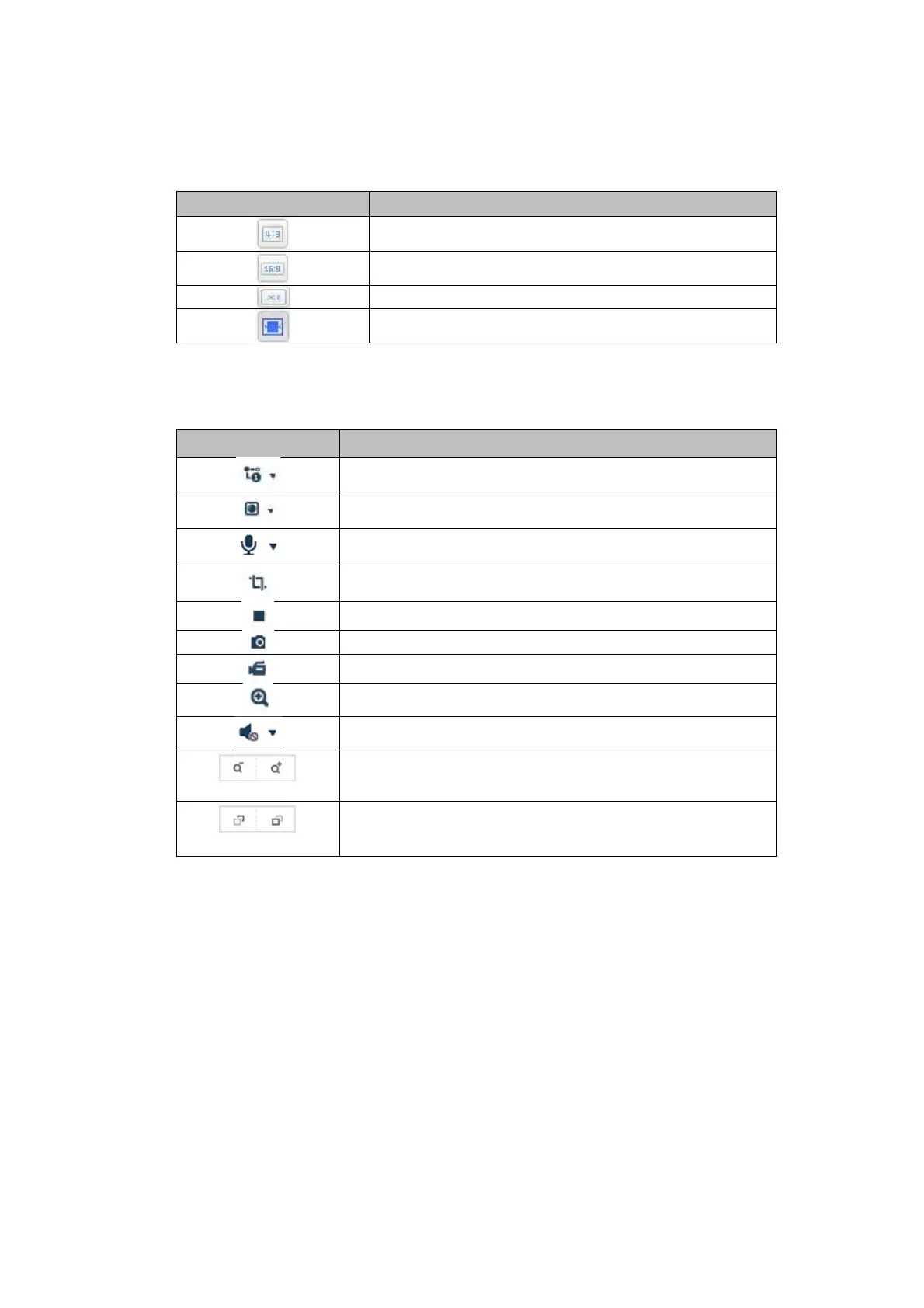
You can switch to the full-screen view by double-clicking. At the bottom left of the control bar is a button for
adjusting the display format.
Button Description
Activate 4:3 view
Activate 16:9 view
Display original size
Automatically adjust view to browser
7.3 Control bar
Button Description
Video stream selection
Video plugin selection (installed ABUS_IPC_Web_Plugin or
Quicktime Video Plu
in
Activating the microphone on the PC for two-way audio
communication
Pixel counter (function to determine the minimum horizontal
number of pixels of a number plate
Start / stop live display
Instant image (snapshot) on PC
Start / stop manual recording on PC
Digital zoom
Activating the loudspeaker on the PC, incl. volume setting
Lens: Zoom - / Zoom + (if available)
Lens: Focus - / Focus + (if available)



 To Next Page