20
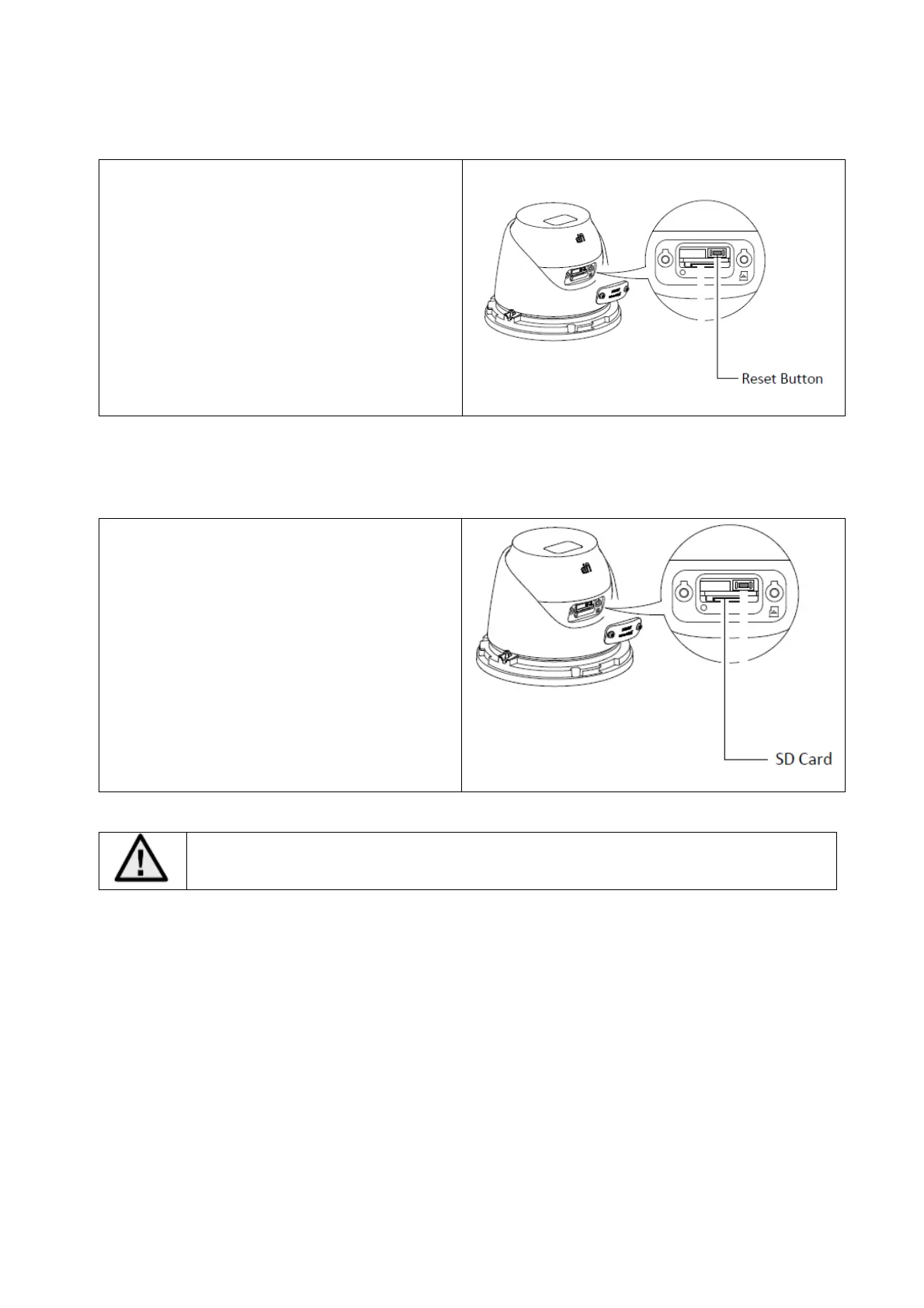
3.4 Reset to factory default
The Reset Settings button is located on the
side of the camera head behind a cover
plate.
1. Disconnect the camera.
2. Press and hold the "Reset" button on the
camera.
3. Now connect the power supply to the
camera (via 2-pin power supply or Power-
over-Ethernet) and press the "Reset" button
for another 30 seconds.
3.5 SD-Card slot
To install the micro SD card, first remove the
cover on the side of the camera head.
Max. SD card size: 256 GB
After installing the Micro-SD card, the card must be formatted before it can be used.



 To Next Page