19
English
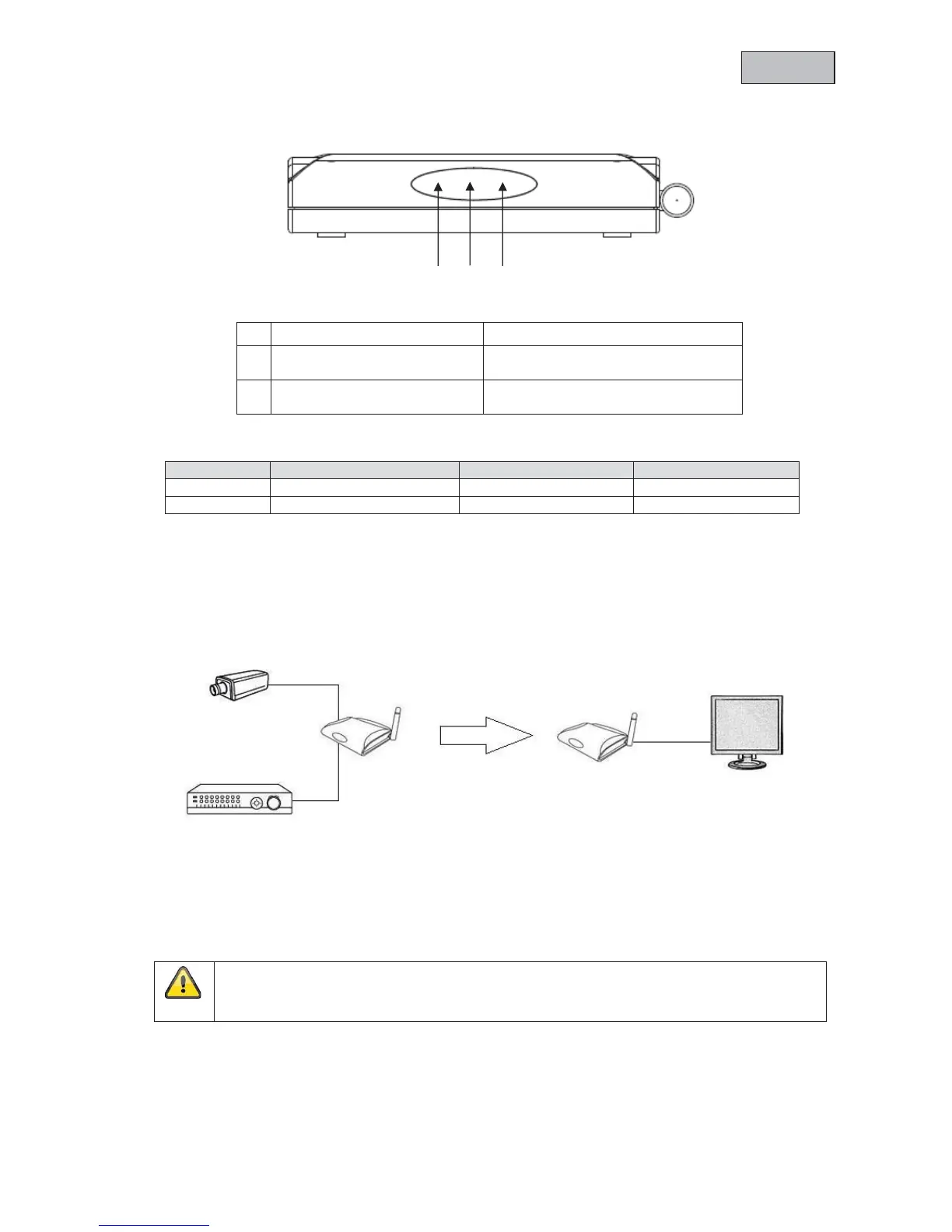
4.5 LEDs
Description LED on LED flashing LED off
Power LED Device switched on - Device switched off
LINK LED Connection established Connection being made No connection
5. Installation
5.1 Installation set-up
Connect the monitor output on a recorder or video output on a camera to the transmitter. Use the
supplied AV cable and the BNC-RCA adapters.
Connect the receiver to a monitor. Now connect the supplied power supply units to the receiver and
transmitter, then switch them on (move switch from “0” to “I”).
c
Power LED Device status display
d
IR LED
Transmission/reception of an IR
signal for a remote control
e
LINK LED
Connection status display
Visual contact
Warning:
Please note that the image transmission rate can be limited depending on the ambient
conditions.
c d
e



 To Next Page