21
4.5 Cable connections
5. Installation
5.1 Pairing the camera and receiver
To connect a camera with the receiver, proceed as follows:
1. Connect the power supply to the cameras and receivers.
2. First press the CAMERA A PAIRING button on the receiver. The following message appears in the
display: “Please Press Pair Key in Sensor Side”. The systems start a 60 second countdown.
3. During the 60 seconds, press the PAIRING button on the camera cable until the green LINK LED on
the front starts to flash.
4. The camera's LINK LED lights up continuously and the receiver’s LINK LED goes out once the
connection has been established successfully.
Proceed in the same way for the second camera. Use the CAMERA B PAIRING button for the receiver
side.
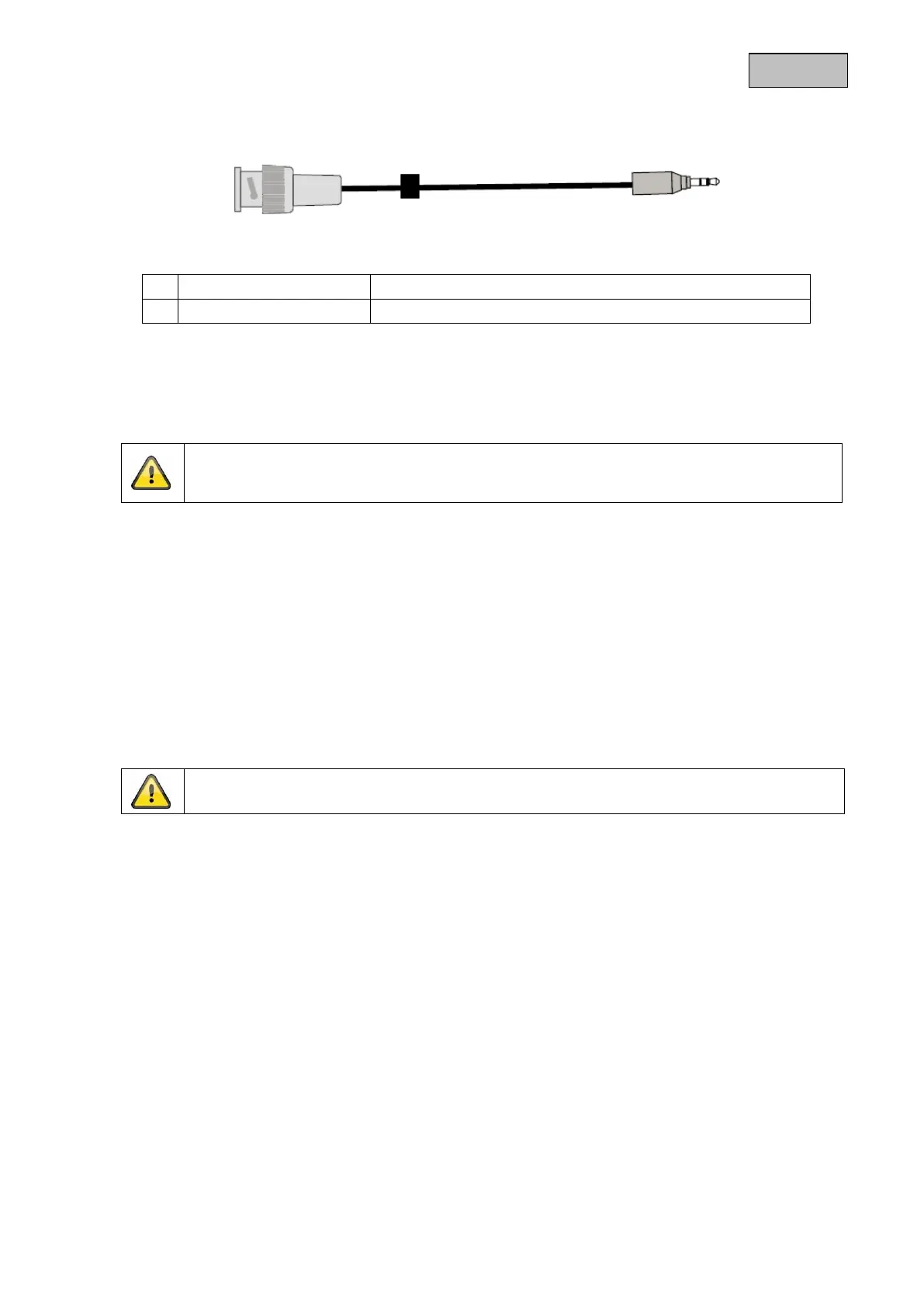
Receiver connection to a recorder or monitor
Plug for receiver connection
Warning:
Make sure that the pairing is carried out before the camera is firmly installed.
Warning:
Please note that connection can take up to 60 seconds.



 To Next Page