18
6. Operation
6.1 Live view
6.2 Setting the date and time
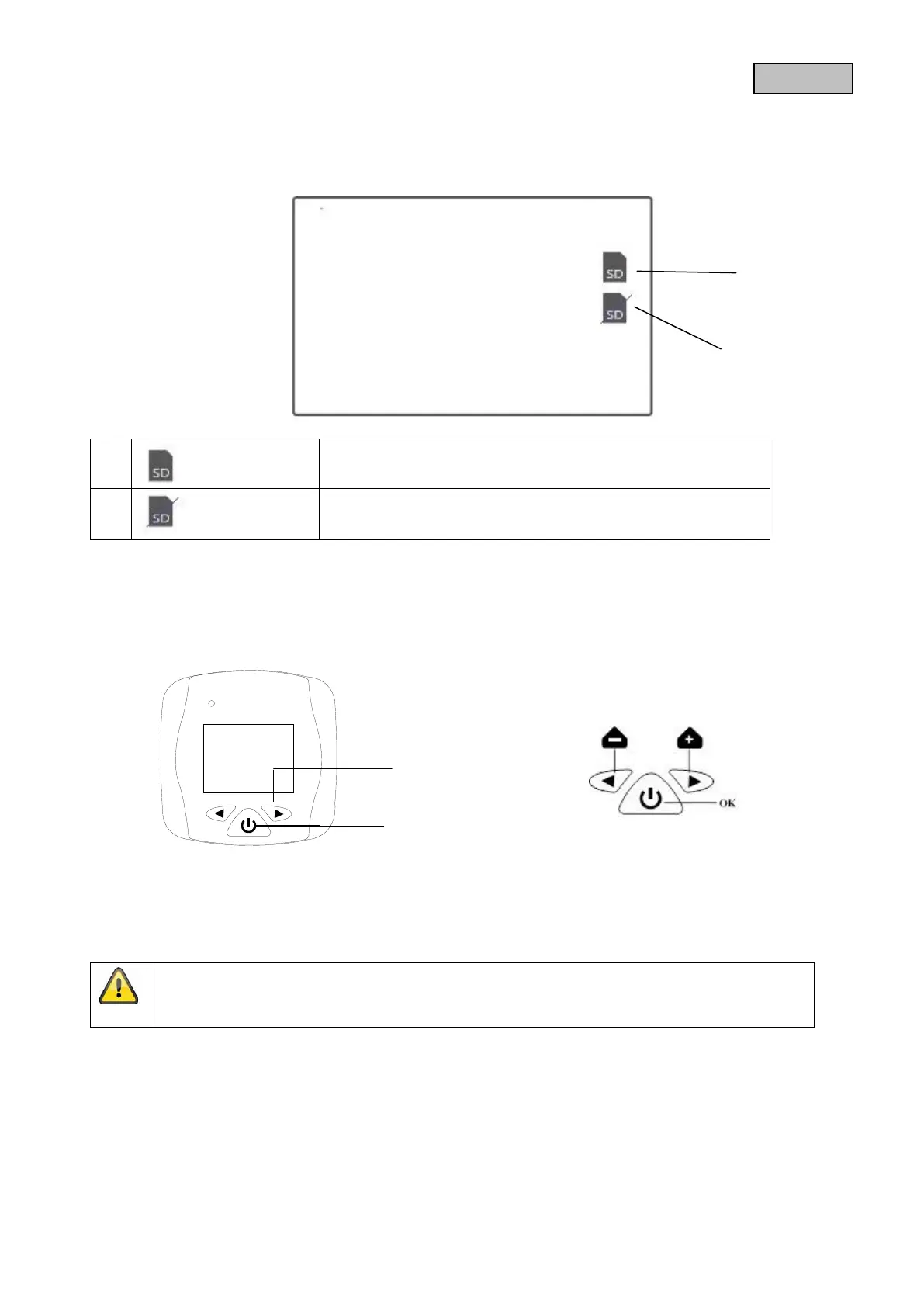
4. To set the date and time, hold down the “>” button for three seconds when switched off.
5. Then press the power button as well until you get to the
“Date & Time” menu item.
6. Set the date and time using the arrow buttons. Confirm your input with the power button.
Your photos are now saved with the correct date and time on the micro SD card.
No micro SD card available
Micro SD card full
Please note:
The screen switches off automatically after 20 seconds if no further changes are made.



 To Next Page