30
English
5. Mounting / installation
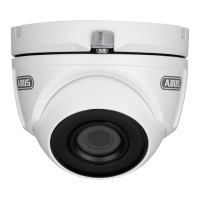
5.1 Mounting the camera
NOTE
The camera must be disconnected from the mains power during installation.
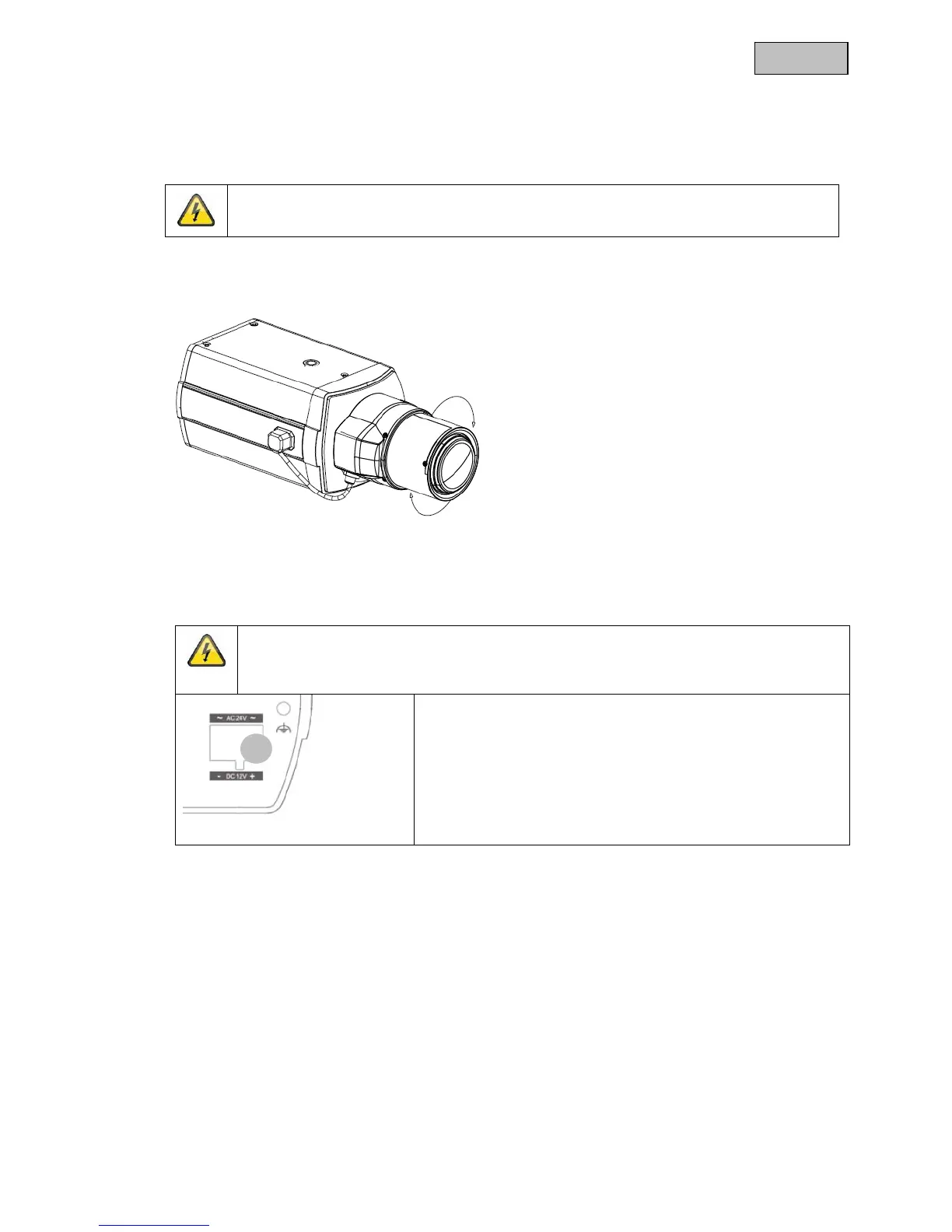
There are 1/4 inch screw sockets on the top and bottom of the camera for installing a suitable camera mount.
5.2 Power supply
NOTE
Before starting installation, make sure the supply voltage is the same as the rated voltage of
the camera.
(1) 12 V DC / 24 V AC
The cameras require a 12 V DC or 24 V AC power supply. The polarity of the DC power supply is not
important.
5.3 Installing the video cable
In order to transmit the video signal to a converter, monitor, or recorder, a coaxial cable of type RG59
with BNC plug (male) must be connected to the “Video OUT” connection. The cable length to the next
device may not exceed 150 meters. Suitable signal amplifiers can be installed to increase the range.
1



 To Next Page