31
English
6. OSD menu
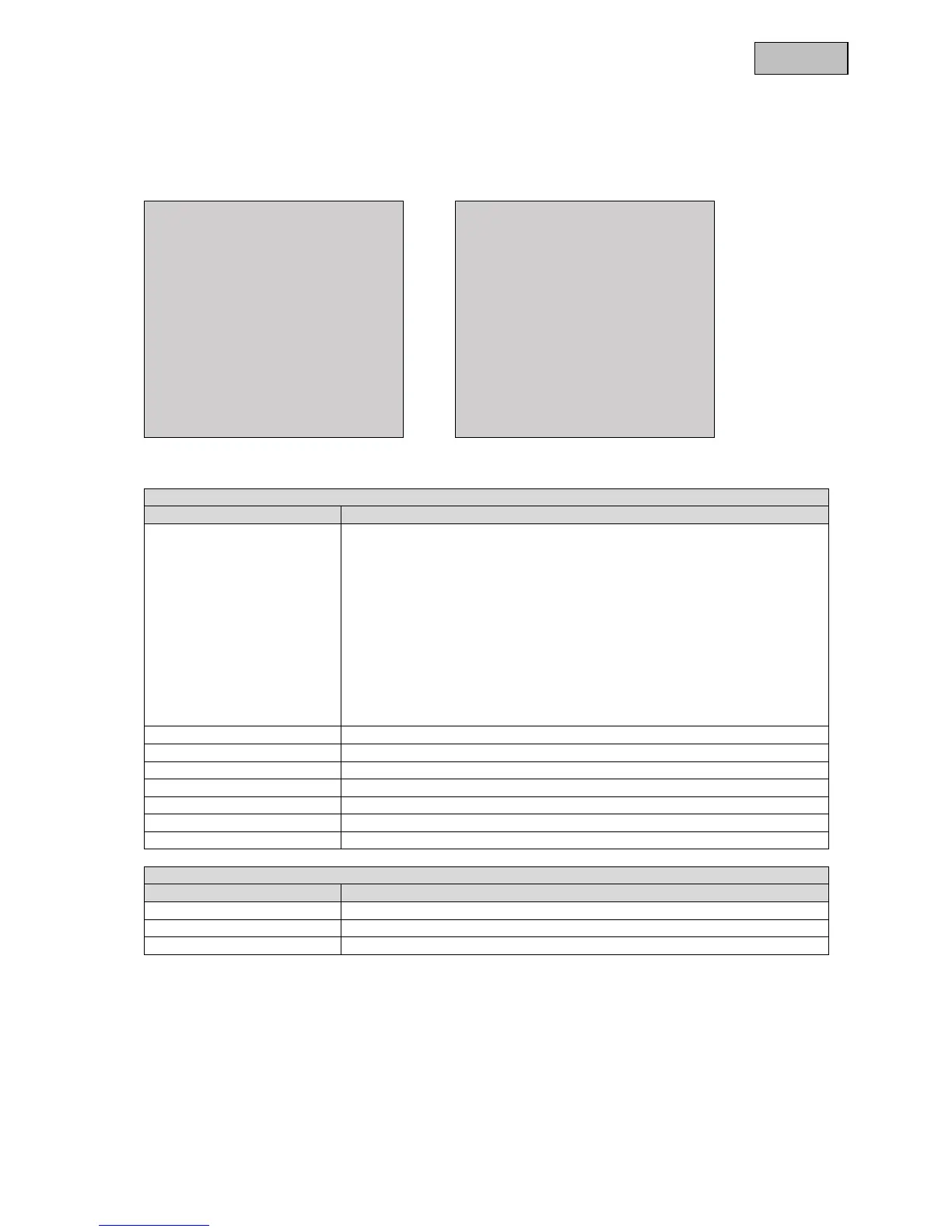
Press the OSD menu control button to open the OSD menu. You can make detailed settings in this on-
screen menu.
SETUP MENU
PAGE 1 / 2
SCENE SELECT CUSTOM
PICT ADJUST ↓
EZOOM OFF
DIS OFF
PRIVACY MASK ↓
MOTION DET OFF
SYS SETTINGS ↓
EXIT
SETUP MENU
PAGE 2 / 2
LANGUAGE ENGLISH
VERSION 1.0
MAINTENANCE ↓
Page 1 / 2
Function Description
SCENE SELECT The camera has various presets for different ambient conditions.
CUSTOM: All sub-functions can be manually adjusted for the
environment.
FULL AUTO: This mode can be used for various scenes. It is not
designed for any particular ambient conditions.
INDOOR: This mode is designed for indoor applications.
OUTDOOR: This mode is designed for outdoor applications.
BACKLIGHT: This mode is used for scenes with indoor and outdoor
light, for example in entrance areas indoors with a view outside.
ITS: This mode is specially designed for moving objects.
PICT ADJUST Settings for picture parameters such as brightness and contrast
EZOOM Digital zoom settings
DIS Settings for the digital image stabilisation function
PRIVACY MASK Settings for privacy masking
MOTION DET Settings for motion detection
SYS SETTINGS General system settings
EXIT Quit the camera menu
Page 2 / 2
Function Description
LANGUAGE Shows the language of the OSD (on-screen display).
VERSION Shows the currently installed firmware version.
MAINTENANCE Resets all camera parameters to the default settings.



 To Next Page