113
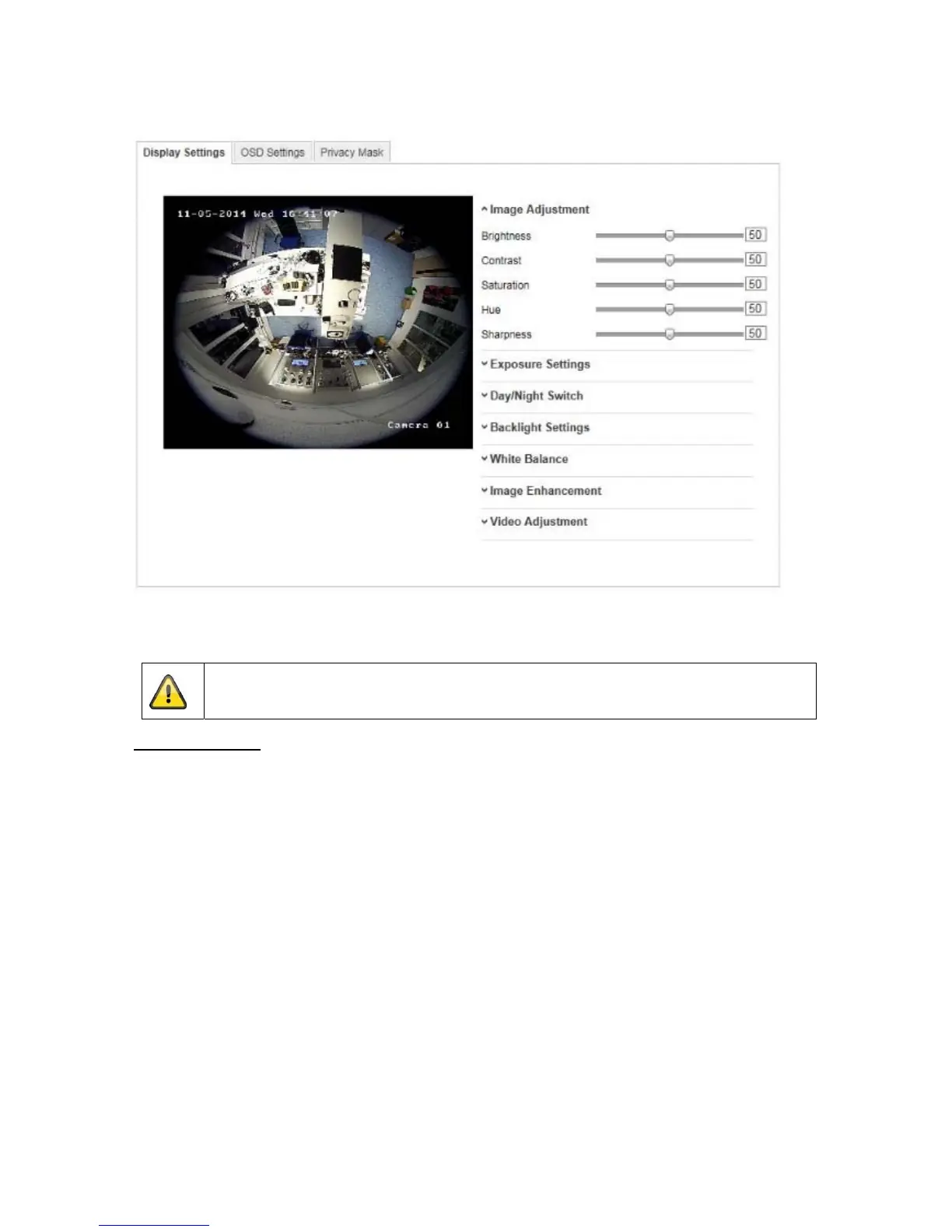
10.3.4.1 Display settings
You can use this menu item to set the picture quality of the Speed Dome, for example brightness, sharpness,
contrast. Click on 'Default' to restore the default values.
Please note:
The display setting parameters can vary depending on the model.
Image Adjustment
Brightness
Image brightness settings. A value between 0 and 100 can be set.
Contrast
Image contrast settings. A value between 0 and 100 can be set.
Saturation
Image saturation settings. A value between 0 and 100 can be set.
Hue
Setting the hue. A value between 0 and 100 can be set.
Sharpness
Image sharpness settings. A higher sharpness value can increase image noise.
A value between 0 and 100 can be set.



 To Next Page