118
10.3.5 Security
Menu item Description Available in mode
User
User administration
Basic Configuration,
Advanced
Configuration
RTSP
Authentication
Setting the date and time format Advanced
Configuration
IP Address
Filter
Filtering IP addresses to gain access for controlling the
camera
Advanced
Configuration
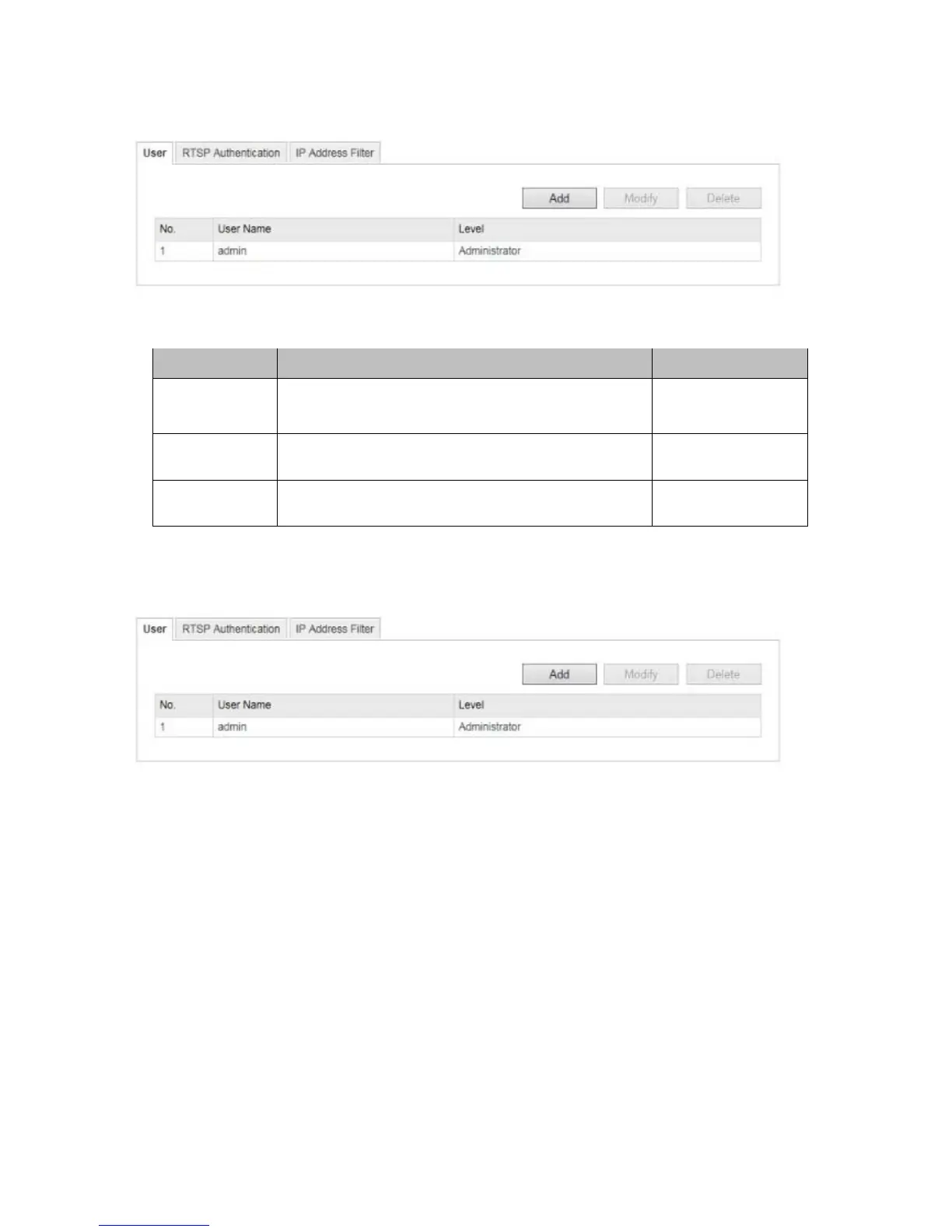
10.3.5.1 User
With this menu item, you can add, edit or delete users.
To add or modify a user, click 'Add' or 'Modify'.
A new window with the data and authorisations appears.
User name
Here you assign the user name that needs to be entered for access to the camera.
Level
Select an individual user type for the user ID.
You can choose between two predefined levels: 'Operator' or 'User'.
As an operator, the following remote functions are available to you: live view, PTZ control, manual recording,
playback, two-way audio, search/query operating status.
As a user, the following remote functions are available to you: playback, search/query operating status.



 To Next Page