115
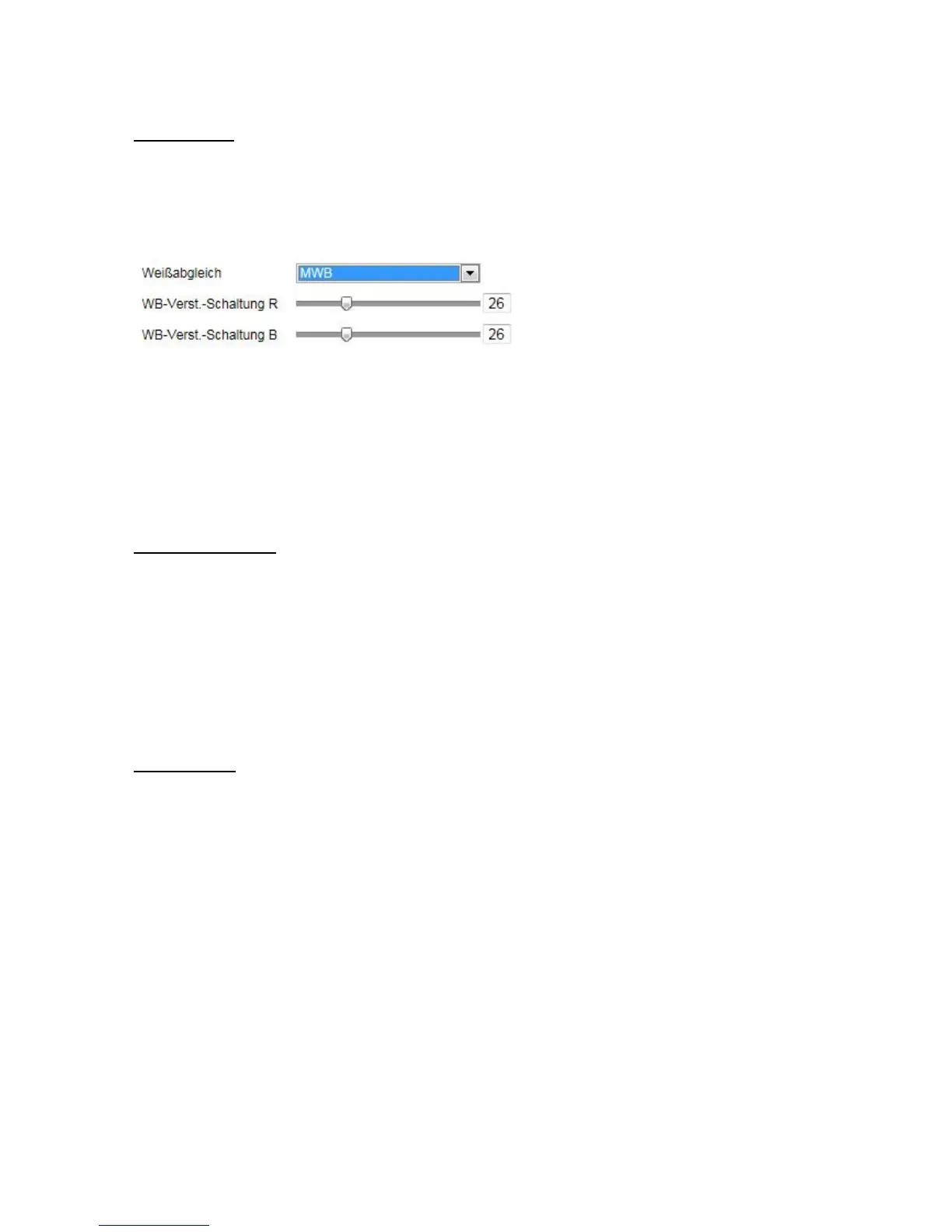
White Balance
Here you select the lighting conditions in which the camera is installed.
You can choose from the following options: 'MWB', 'AWB1', 'WB Locked', 'Florescent Lamp', 'Incandescent
Lamp', 'Warm Light Lamp', 'Natural Light'.
MWB
You can adjust the white balance with the following values manually.
WB Locked
The white balance is performed once and saved.
Other
Use additional white balance options to adjust the function to the light levels.
Florescent Lamp
Adjusts the white balance to florescent lamp lighting conditions.
Image Enhancement
Digital Noise Reduction
You can enable (Normal Mode) or disable the noise reduction.
Noise Reduction Level / 2D/3D DNR
Set the level for noise reduction here.
Grey Scale
This function limits the range of the grey scale representation. This can be beneficial in the case of very light
image content.
Video Settings
Video Standard
Select the video standard corresponding to the available power frequency.



 To Next Page