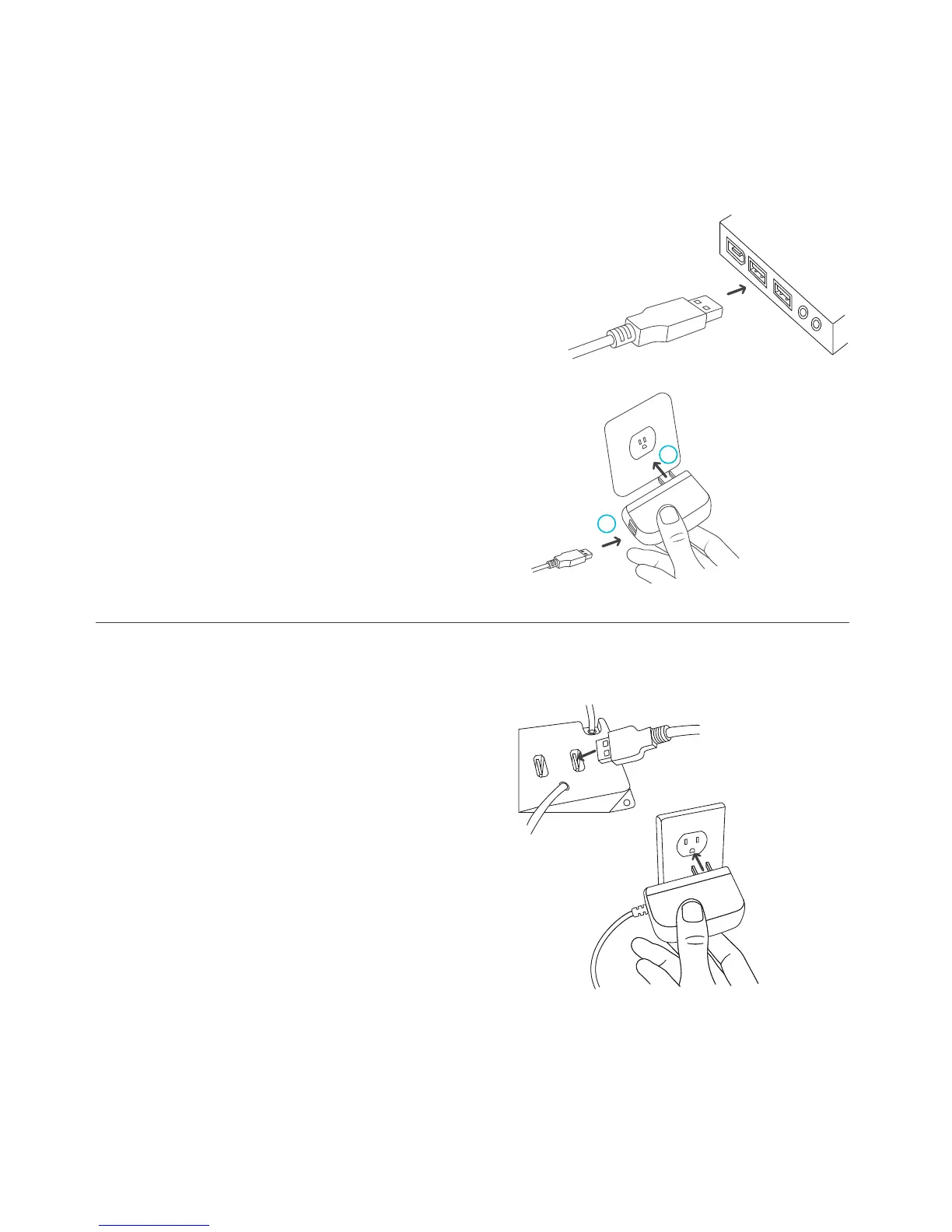
POWERING
S-SERIES
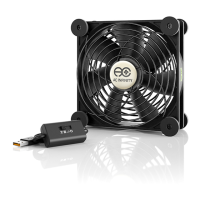
You can power the fan unit by
plugging the unit’s USB male
connector into a standard USB
port, or plugging the USB male
connector into the included
power adapter through an outlet.
Then plugging the adapter into
an outlet.
T-SERIES
Plug the fan unit’s USB plug into the
USB port located on the back of the
thermal control unit. Then plug the
wall adapter’s male connector into the
thermal controller’s power plug, also
located on the back. Lastly, plug the
power adapter into an outlet.
14
1
2



 To Next Page