17
CONNECTING TO UIS
TM
EXTENSION CABLE
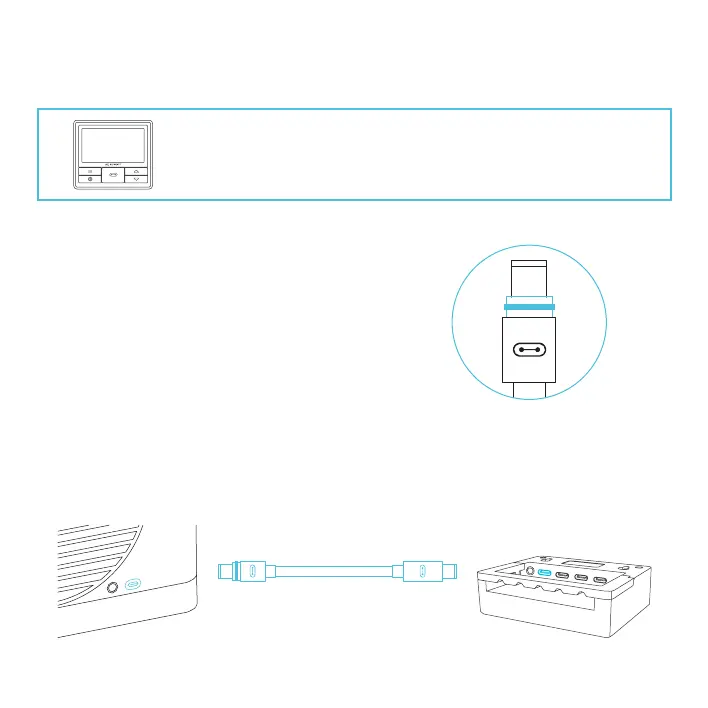
Use the included UIS M-M extension cord to connect
your heater to your UIS controller.
Plug the UIS connector with the gasket end into your
heater. The gasket is specially designed to protect
against liquids and dust.
Your UIS controller will override all onboard settings,
assume control (parameters must be adjusted on
the controller), and shut off your heater's display
and touch functions when connected in this manner.
The sensor probe plugged into your controller will
override the heater's sensor
THERMOFORGE heaters can connect with any UIS controller (sold
separately) as part of an integrated system using the included UIS
extension cord.



 To Next Page