Product Care Information
Battery charge
Calibration
5
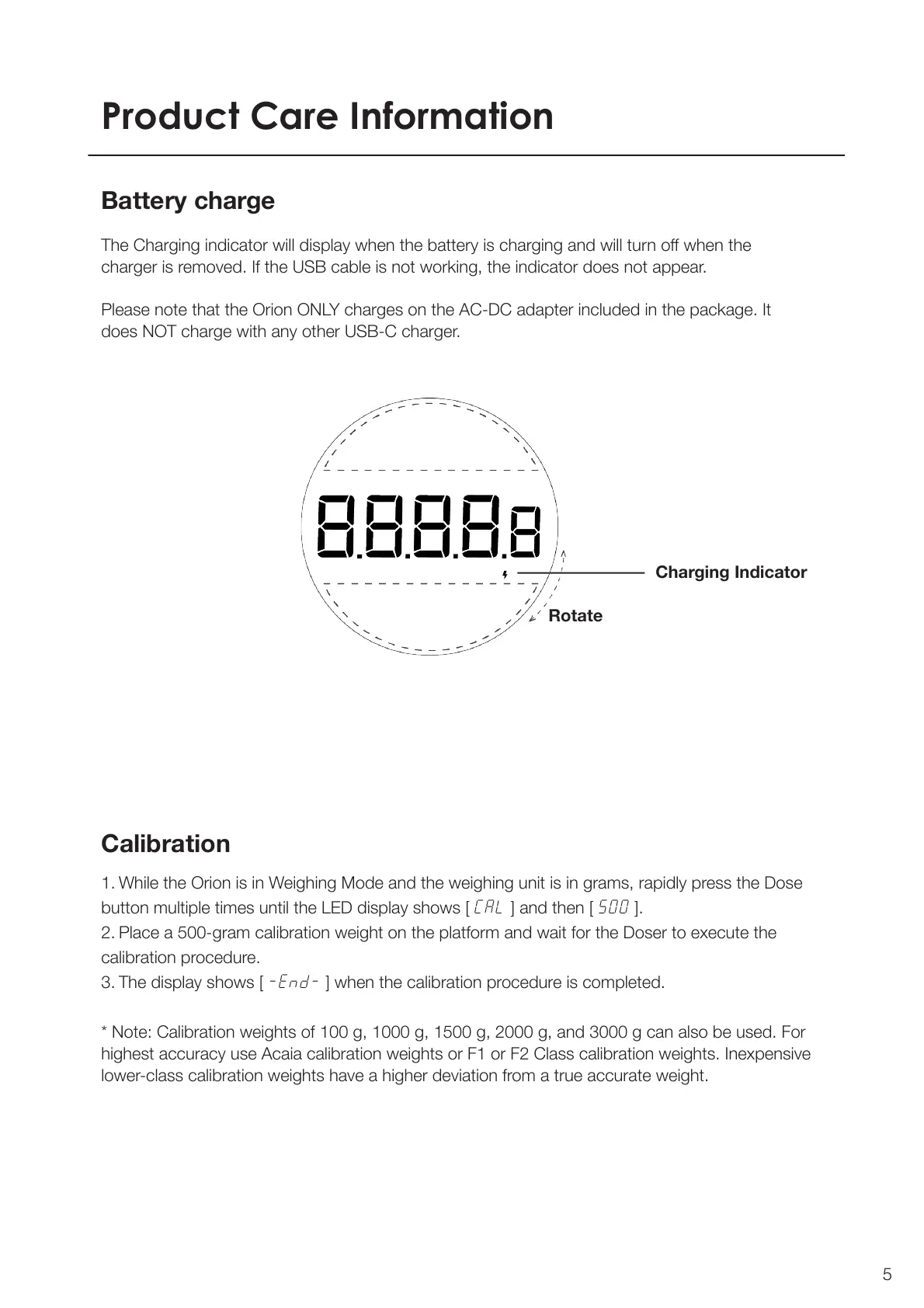
The Charging indicator will display when the battery is charging and will turn o when the
charger is removed. If the USB cable is not working, the indicator does not appear.
Please note that the Orion ONLY charges on the AC-DC adapter included in the package. It
does NOT charge with any other USB-C charger.
Charging Indicator
Rotate
1. While the Orion is in Weighing Mode and the weighing unit is in grams, rapidly press the Dose
button multiple times until the LED display shows [ CAL ] and then [ 500 ].
2. Place a 500-gram calibration weight on the platform and wait for the Doser to execute the
calibration procedure.
3. The display shows [ -End- ] when the calibration procedure is completed.
* Note: Calibration weights of 100 g, 1000 g, 1500 g, 2000 g, and 3000 g can also be used. For
highest accuracy use Acaia calibration weights or F1 or F2 Class calibration weights. Inexpensive
lower-class calibration weights have a higher deviation from a true accurate weight.



 To Next Page