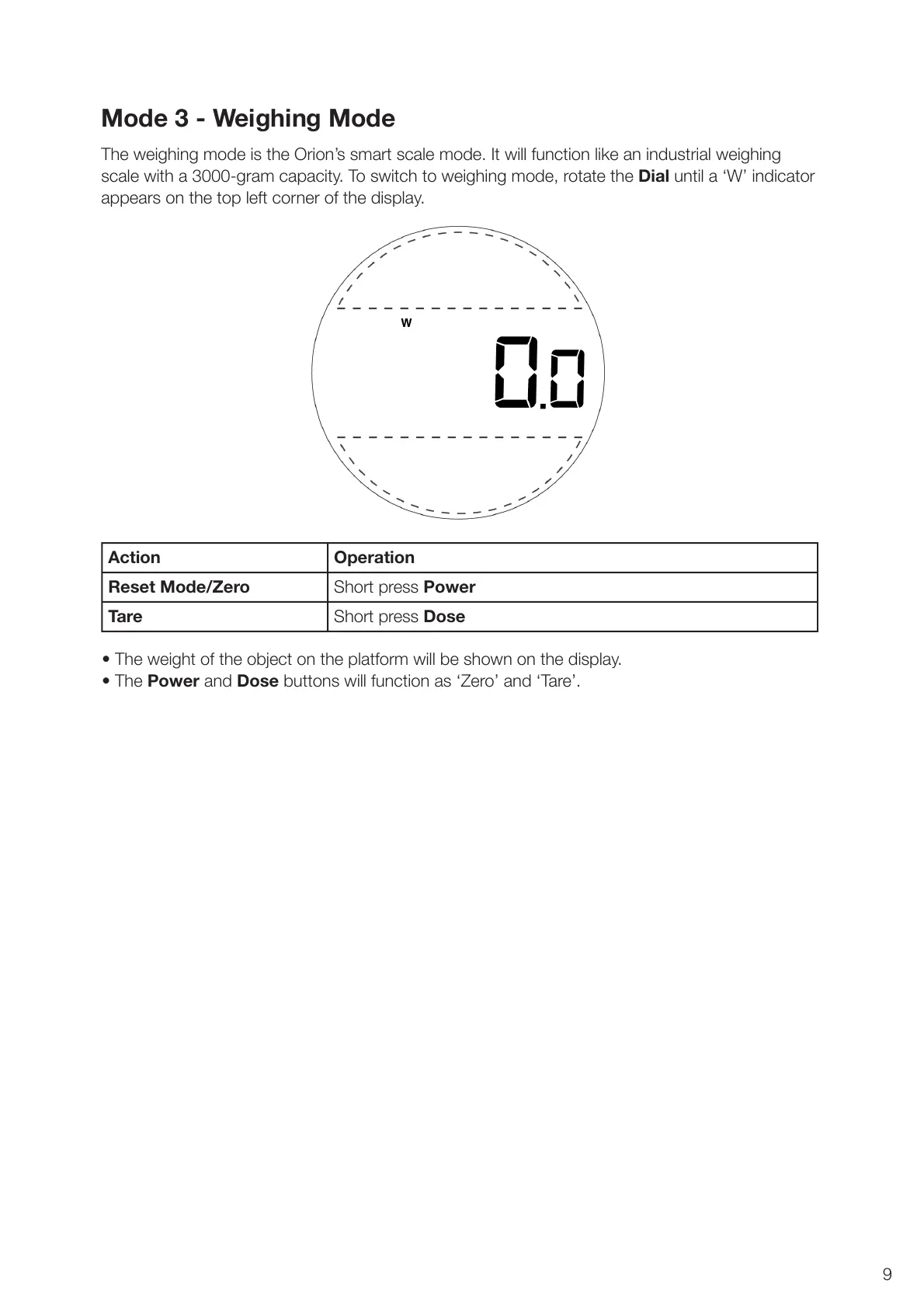
The weighing mode is the Orion’s smart scale mode. It will function like an industrial weighing
scale with a 3000-gram capacity. To switch to weighing mode, rotate the Dial until a ‘W’ indicator
appears on the top left corner of the display.
• The weight of the object on the platform will be shown on the display.
• The Power and Dose buttons will function as ‘Zero’ and ‘Tare’.
Mode 3 - Weighing Mode
9
Action Operation
Reset Mode/Zero Short press Power
Tare Short press Dose



 To Next Page