EasyManua.ls Logo

AccuBANKER AB1050 - User Manual

AccuBANKER AB1050
19 pages
Print Icon
To Next Page IconTo Next Page
Loading...
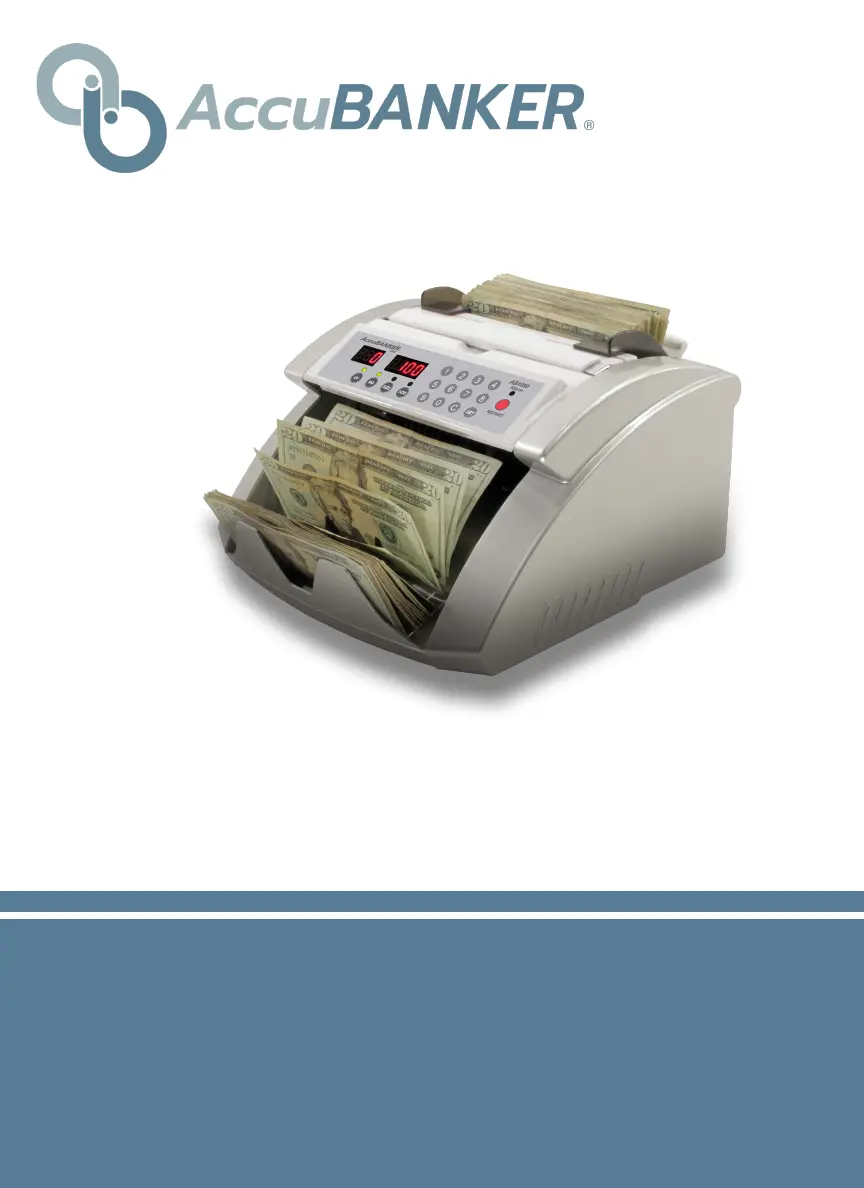
AB1050
Commercial Bill Counter
USER GUIDE
www.AccuBANKER.com

Questions and Answers

Summary

Important Safety Instructions

Other Safety Considerations

Introduction

Box Contents

General Parts and Controls

Parts Description

Detailed description of the bill counter's physical components.

Control Panel Overview

Explanation of the bill counter's control panel layout and functions.

Basic Operation

Notes Selection and Preparation

Guidelines for selecting and preparing banknotes for accurate counting.

Hopper Loading Procedure

Instructions for properly positioning banknotes in the hopper.

Counting Mode Operations

How to use the default counting mode and AUTO/MANUAL modes.

Batch Counting Functionality

How to set and use the batch function for counting specific quantities.

Counterfeit Detection Functions

Details on using UV and MG counterfeit detection features.

Size Detection Functionality

How to use the size detection feature for mixed denomination bills.

Troubleshooting

Avoiding Counting Problems

Tips to prevent issues like miscounting or jamming.

Addressing Miscounting Errors

Steps to take if the unit is not counting accurately.

Resolving Jamming Issues

Procedures for clearing jams and calibrating the unit.

Unit Maintenance

Cleaning Optical Sensors

How to clean the unit's optical sensors to ensure performance.

Periodic Interior Cleaning

Guide to cleaning the inside of the bill counter.

General Maintenance Recommendations

Additional tips for maintaining the bill counter.

Warning and Error Messages

Specifications

AccuBANKER AB1050 Specifications

General IconGeneral
Counting Speed1, 000 bills/min
Hopper Capacity200 bills
Stacker Capacity100 bills
Weight8.8 lbs
Power SupplyAC 110V/220V, 50/60Hz
Dimensions290 x 230 x 180 mm
FeaturesBatching, Add
Counterfeit DetectionUV/MG

Related product manuals