9
•
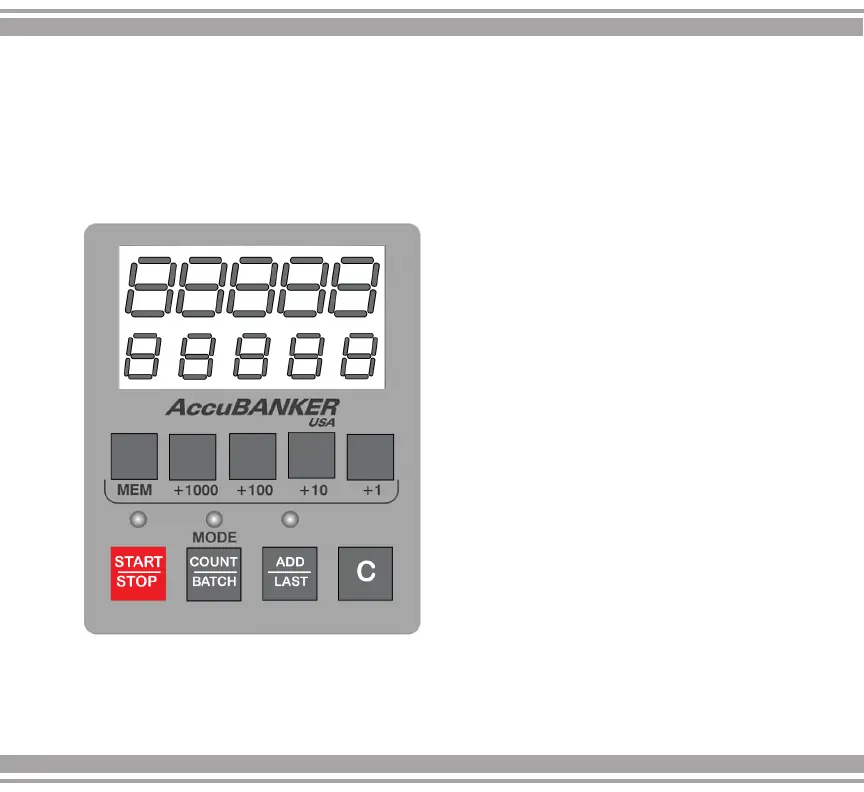
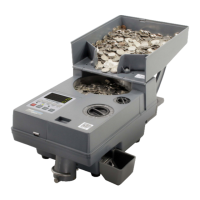
COUNT / BATCH key
-
Used to select the specific operating
mode, either COUNT or BATCH.
a-
COUNT
mode
(green
LED
on),
the
equipment
counts all the coins deposited
into the hopper continuously
until
the
hopper is empty.
When new coins are placed into the
hopper again and the counting operation
is resumed,
the previous result is
deleted
from the screen.
4. Control Panel Description
•
START / STOP key
Used to resume or stop the counting
operation


 To Next Page