16
6. Software Updates
Steps to perform software update:
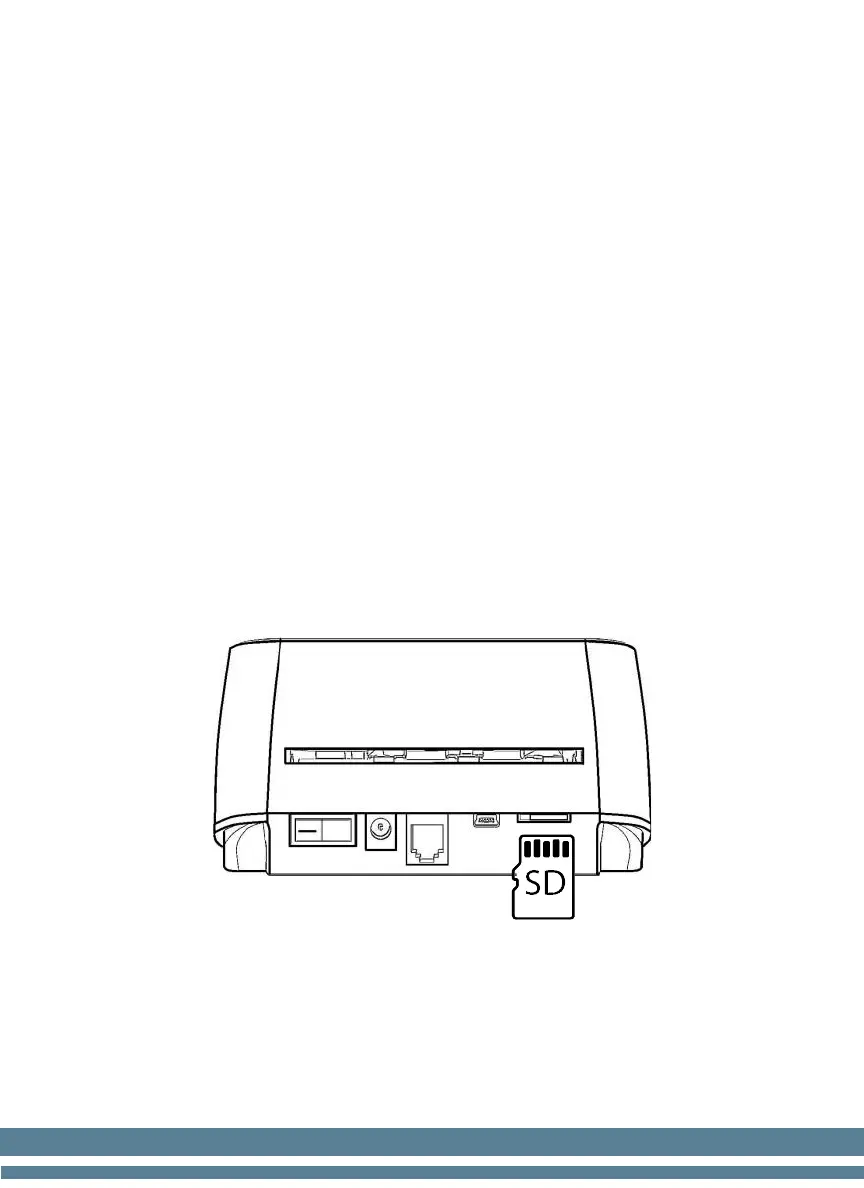
1. Copy the programming software to a mini SD card.
2. Turn off the detector.
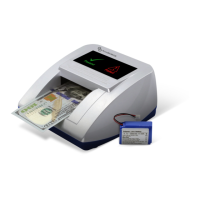
3. Insert the mini SD card into the update port at the back of the unit as
the image shown.
4. Turn on the detector. The two LED indicators in the display will flash
intermittently during the programming process.
5. Wait approximately 30 seconds until the detector finishes the update.
The red indicator will turn off to show that the new software
installation is complete.
6. Turn off the detector and remove the SD card.
7. Turn on the detector and check the update.


 To Next Page