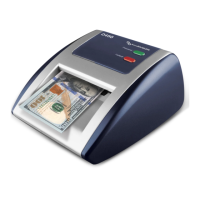
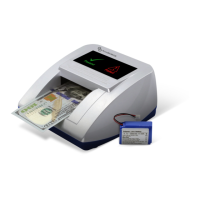
12
3. Operation
3.1 Basic Operation
1. Connect the 12V adapter to a power outlet and the jack on the rear of the
machine. Turn the POWER switch ON. The unit will conduct a self-
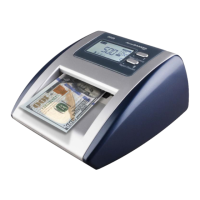
check at start-up. The Value display and Count display will show “0”
when the unit is ready.
2. Place the banknote in the machine lengthwise, with the portrait facing up
and to the right.
3. Genuine banknotes will pass through (or come back based on ejection
direction setting) after one (1) beep.
4. Suspicious banknotes will be rejected with three (3) beeps. This banknote
will not be added to any totals. Also, the error icon(s) will blink to
indicate the suspected detection fault(s).
Note: Be sure to unplug the machine when not in use.
3.2 Banknote Ejection Direction
Set the Banknote Ejection Direction by pressing the “Report/Direction”
button for 2 seconds. The icon will appear on the display to indicate
that the machine will eject banknotes to the front. Press and hold the
“Report/Direction” button again to turn off the icon and the machine
will eject banknotes to the front of the machine.
3.3 Report Function
Press the “Report/Direction” button quickly to see the denomination Per
Value, Count, and Total for all denominations processed. Each time the
button is pressed for a second, it will scroll through the denomination (Per
Value) and show the number of banknotes counted along with their total
value. Press the “Reset/Currency” button to clear all totals.


 To Next Page