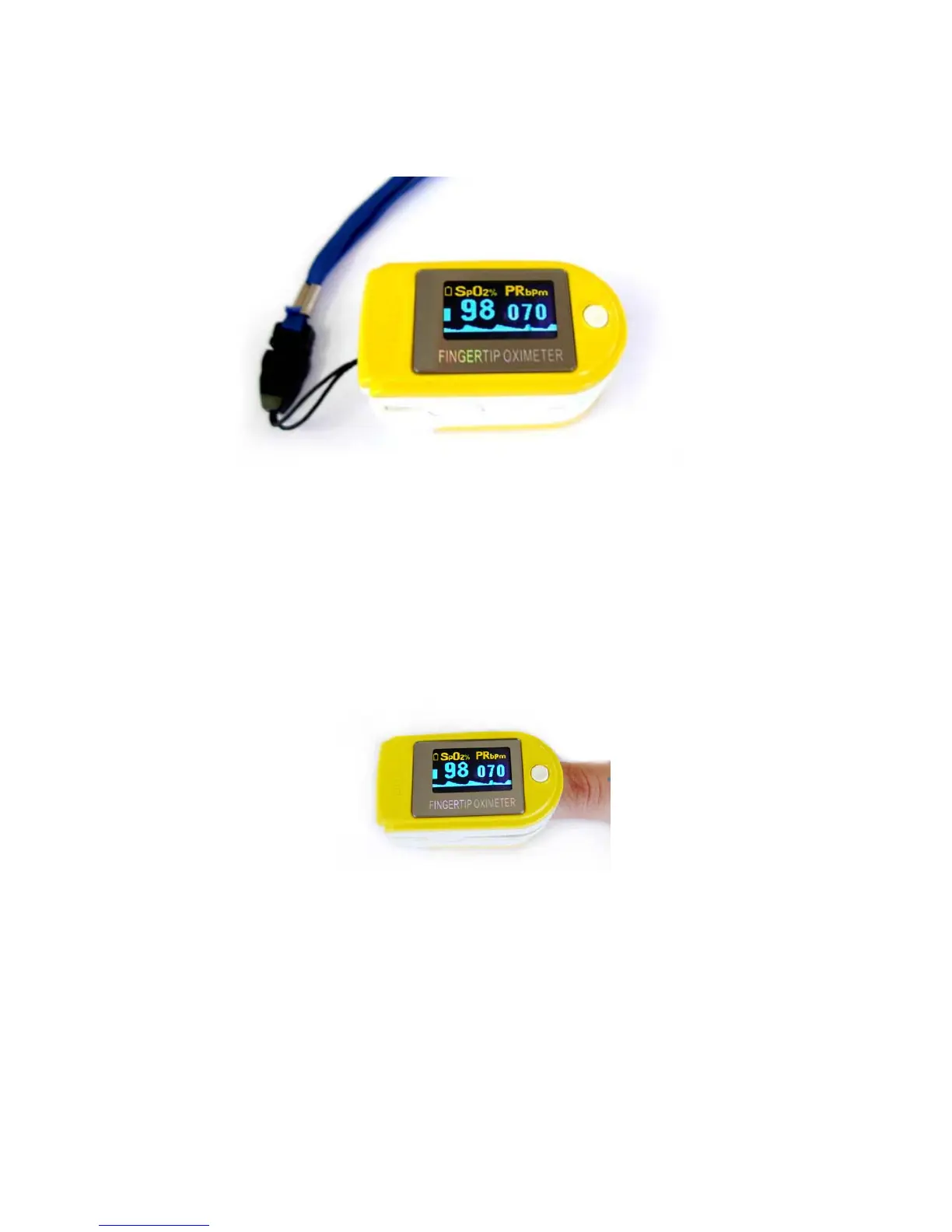
Step1. Put the end of the rope through the hole.
Step2. Put another end of the rope through the first one and then tighten it.
Figure4. Mount the hanging rope
7. Operating Guide
A. Insert the two batteries properly to the direction, and then place the cover.
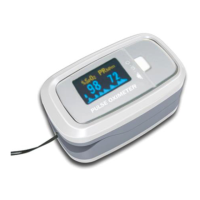
B. Open the clip as shown in Figure 5.
Figure5. Put finger in position
C. Let the patient’s finger put into the rubber cushions of the clip (make sure the finger is in the
right position), and then clip the finger.
a) Press the Power Button on the front panel.
b) Using first finger, middle finger or ring finger when doing test. Low finger temperature, fat
finger, thin finger may cause inaccurate measurement.
c) Do not shake the finger and keep the patient at ease during the process.
7


 To Next Page