42
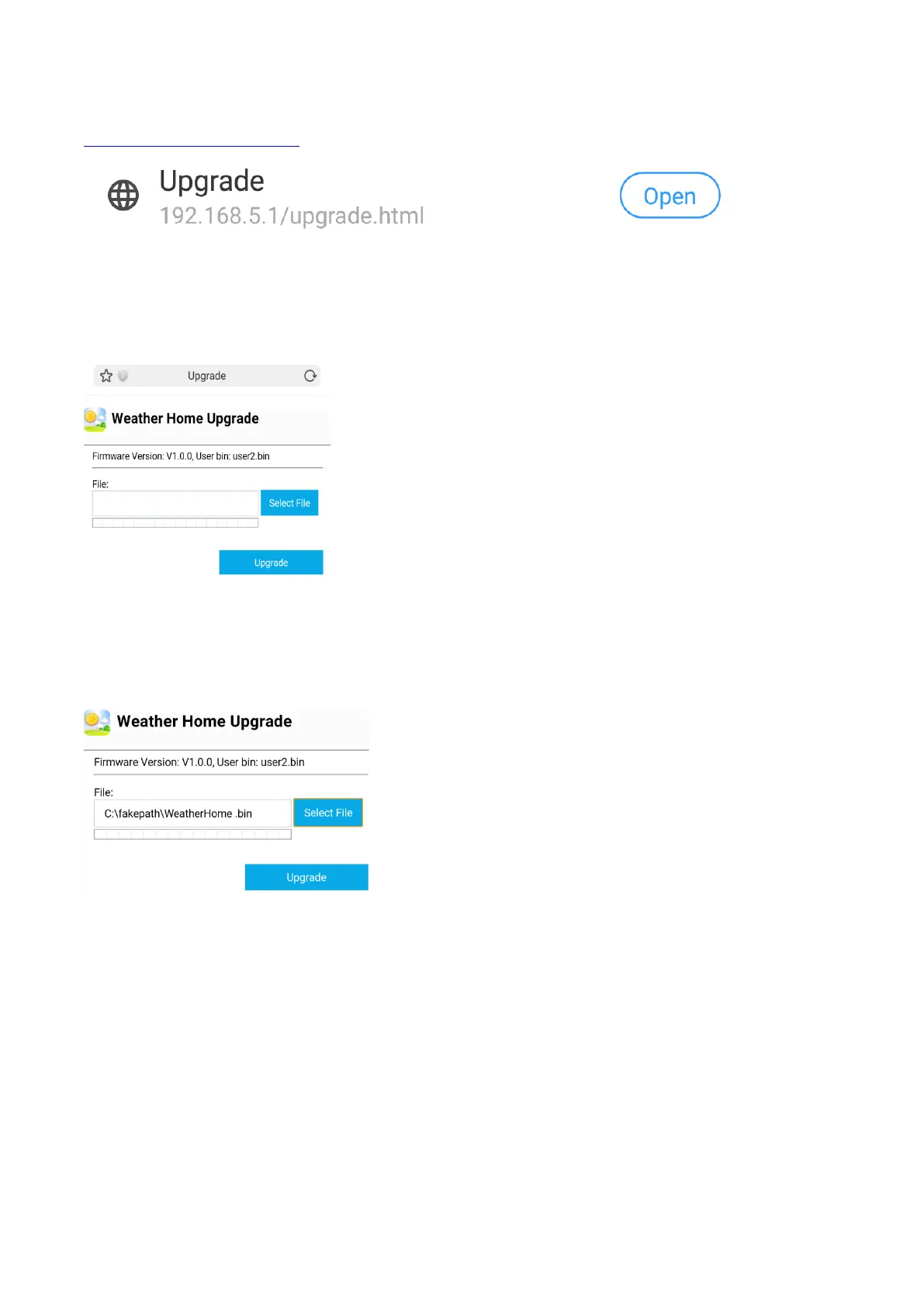
Once connected, enter the following IP address into the browser’s address bar:
http://192.168.5.1/upgrade.html
Figure 48
Once connection is successful, it will jump to the ‘Upload Setting’ screen automatically.
Figure 49
Press Select File button to select the upgraded firmware as shown in figure 50 below.
Figure 50
Press the Upgrade button. If the update was successful then you will see as per figure 51 below.


 To Next Page
 Loading...