EasyManua.ls Logo

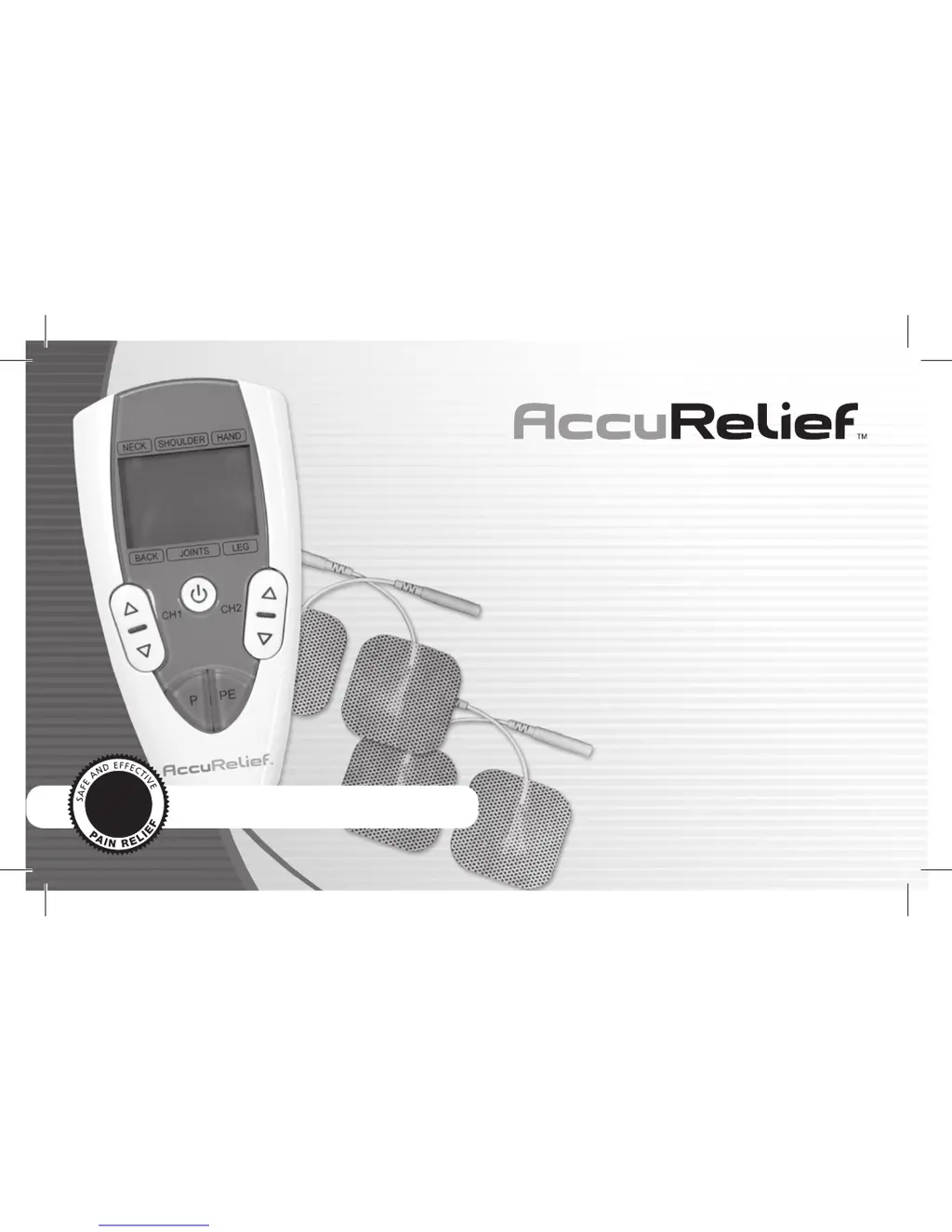
AccuRelief ACRL-3000 - User Manual

AccuRelief ACRL-3000
44 pages
Print Icon
To Next Page IconTo Next Page
Loading...
Dual Channel
TENS
Natural, drug-free pain relief
Target-specific pain relief.
Model ACRL-3000
User Manual
Clinically
Proven

Questions and Answers

  • C
    connie74Jul 30, 2025
    Why is the stimulation uncomfortable with AccuRelief ACRL-3000 Personal Care Products?
    • T
      Timothy ThomasJul 30, 2025
      If the stimulation from your AccuRelief Personal Care Products device feels uncomfortable, first decrease the intensity. Also, reposition the electrodes so they are at least 2 inches apart. If that doesn't help, try replacing the electrodes with ones that have an active area no less than 4 square inches (2 in x 2 in). Finally, ensure that you are operating the device according to the manual.
  • O
    Olivia HenryAug 3, 2025
    What to do if AccuRelief Personal Care Products stimulation is weak?
    • M
      Miranda MyersAug 3, 2025
      If you're not feeling any stimulation or the stimulation is weak with your AccuRelief Personal Care Products device, the electrodes may be dried out or dirty, or they may not be sticking to your skin well. In either case, replace them with new electrodes. Also, the lead wires could be old, worn, or damaged, so replace them if needed.
  • W
    wburtonAug 8, 2025
    What to do if output current stops during therapy with AccuRelief Personal Care Products?
    • A
      Alex ZamoraAug 8, 2025
      If the output current stops during therapy with your AccuRelief Personal Care Products device, it might be because the electrodes have come off your skin. Turn off the device and place the electrodes on again, or replace them with new ones. Also, check if the lead wire is disconnected; if so, turn off the device and reconnect the lead wires. Finally, the batteries’ power may have been exhausted, so replace them with new batteries.
  • B
    Brandon KramerAug 12, 2025
    How to fix AccuRelief ACRL-3000 unit that cannot power on?
    • M
      Mr. Robert Mcneil IIIAug 12, 2025
      If your AccuRelief Personal Care Products unit cannot power on, the batteries may be exhausted. Replace them. Also, check if the batteries are installed correctly, and if not, insert them observing the correct polarity.
  • A
    Alexander DavenportAug 16, 2025
    Why does the skin become red using AccuRelief Personal Care Products?
    • C
      Colin CameronAug 17, 2025
      If your skin becomes red or you feel a stabbing pain when using AccuRelief Personal Care Products, reposition the electrodes, and if you feel pain or discomfort, stop use immediately. Ensure the electrodes are securely adhered to the skin. Clean the electrodes or replace them with new ones if they are dirty or scratched.
  • J
    jesseflowersAug 20, 2025
    How to troubleshoot intermittent output in AccuRelief Personal Care Products?
    • V
      Victoria ReidAug 20, 2025
      If you're experiencing intermittent output with your AccuRelief Personal Care Products device, first verify the lead wire connection is secure and insert the wires firmly. If that doesn't resolve the issue, turn down the intensity and rotate the lead wires in the socket by 90 degrees. If the output is still intermittent, replace the lead wire. If the issue persists after replacing the lead wire, a component may have failed; call the repair department.
  • K
    Kim RiveraAug 26, 2025
    What to do if AccuRelief ACRL-3000 stimulation is ineffective?
    • M
      Mary SchmidtAug 26, 2025
      If the stimulation from your AccuRelief Personal Care Products device is ineffective, try repositioning the electrode. If the problem persists, contact your clinician.

Summary

Introduction and Package Contents

Introduction to the TENS Unit

Welcome and overview of the AccuRelief Dual Channel TENS unit.

Standard Package Components

Lists the components included in the package.

Safety Precautions and Warnings

Safety Symbols and General Dangers

Explains safety symbols and immediate hazards related to device use.

Dangers with Other Medical Devices

Lists medical devices incompatible with the TENS unit, posing potential risks.

General Warnings and Contraindications

Pad Application Precautions

Pad Placement and Usage Warnings

Details precautions for electrode pad placement and specific usage restrictions.

Pad Handling and Specific Warnings

Device Operation Cautions

General Precautions and Adverse Reactions

General Precautions and Limitations

Covers long-term effects, limitations, and general precautions for device use.

Possible Adverse Reactions

Understanding TENS Therapy

What is TENS?

Defines TENS and its application for pain relief.

How TENS Works

Explains the mechanisms by which TENS provides pain relief.

Device Overview and Setup

Package Contents

Lists the components included in the package.

Know Your Device Features

LCD Display Explained

Device Setup Procedures

Inserting Batteries

Instructions for inserting the device's batteries.

Attaching the Belt Clip

Guidance on how to attach and remove the device's belt clip.

Starting Your Therapy

Attaching Pads and Lead Wires

Step-by-step guide to connect electrode pads and lead wires to the unit.

Single Channel Electrode Placement

Single Channel Placement Guide

Visual guide for placing electrode pads for single-channel pain relief.

Single Channel Placement Examples

Dual Channel Electrode Placement

Dual Channel Placement Guide

Visual guide for placing electrode pads for dual-channel pain relief.

Dual Channel Placement Examples

Operating the Device

Turning On and Selecting Programs

Instructions for powering on the device and selecting treatment programs.

Program Selection Details and Intensity Adjustment

Device Cautions and Additional Functions

Program List

Device Specifications and Usage Guidance

Device Specifications

Technical details of the TENS unit, including power, frequency, and dimensions.

Usage and Program Selection Advice

Advice on when to use the device and how to choose treatment programs.

Treatment Duration and Stopping Usage

Best Pain Types for TENS

Specific Application Recommendations

Cleaning and Storage

Cleaning the TENS Unit

Instructions for cleaning the main device.

Cleaning the Electrode Pads

Instructions for washing and maintaining electrode pads.

Storing the Device and Accessories

Disposal Instructions

Troubleshooting Guide

Unit Power and Stimulation Issues

Addresses problems with the unit not powering on or weak stimulation.

Troubleshooting Other Issues

Electromagnetic Compatibility (EMC) Information

Glossary of Symbols

Warranty Information

Limited One Year Warranty Details

Outlines the terms, conditions, and exclusions of the product warranty.

AccuRelief ACRL-3000 Specifications

General IconGeneral
Product TypeTENS Unit
Model NumberACRL-3000
Power SourceBattery
Number of Channels2
Electrode Pads IncludedYes
PortableYes
Warranty1 Year

Related product manuals