Need help?
Do you have a question about the Accurex PCX-200 Series and is the answer not in the manual?
General advice for proper installation and usage to ensure maximum performance and longevity of the scale.
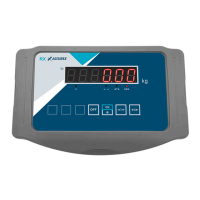
Explanation of the display elements and indicators, including stable status, negative charge, and low battery warnings.
Function of the power button for turning the scale on and off, including handling unstable base messages.
How to select different weighing units (kg, lb, lb-oz) on the scale.
Procedure for taring the scale to exclude container weight and perform multiple tares.
Step-by-step guide on how to calibrate the scale using specified weights and handling calibration errors.
Guidelines for safely transporting and storing the weighing equipment to prevent damage.
 General
| Resolution (Air Velocity) | 0.01 m/s |
|---|---|
| Display | LCD |
| Power | 4 x AA batteries or USB power |
| Operating Temperature | 0°C to 50°C (32°F to 122°F) |
| Power Supply | 4 x AA batteries or USB power |


 To Next Page