5. RAID
User Guide
4.1.1 RAIDGuardX at a Glance
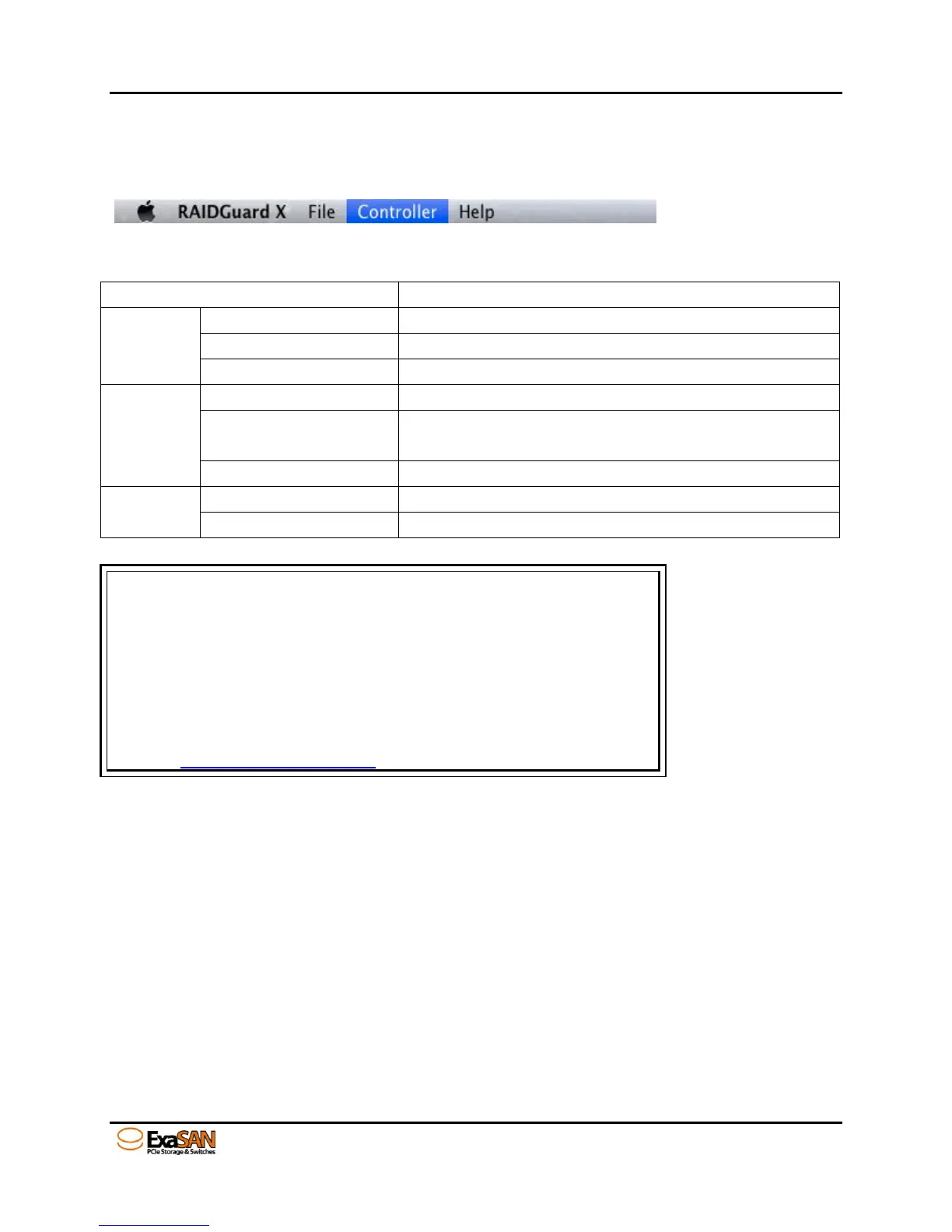
4.1.1.1 Menu Bar
The menu bar across the top contains the following functions:
Refresh the controller list
English and Japanese are supported
Manually search and add the controller
Update RAID controller firmware (System Code, Boot
Code, etc.)
Download the event log for troubleshooting
Search keyword in RAIDGuard X
Displays the help for RAIDGuard X
Note
Run Dump controller log, events are automatically generate a zip file
and saved on directory as below;
1. MacOS: save in /Applications/RAIDGuard X/Log
2. Windows: save in /program file/accusys/exasan/log
3. Linux: save in /{RAIDGuard X install folder}/log
Please send the log file to your vendor or Accusys tech support team to
analyze. support@accusys.com.tw


 To Next Page