3
ACDC Motorized Solutions Pty. Ltd.
RollerGlide Rolling Door Operator
Installer fitting instructions…. continued
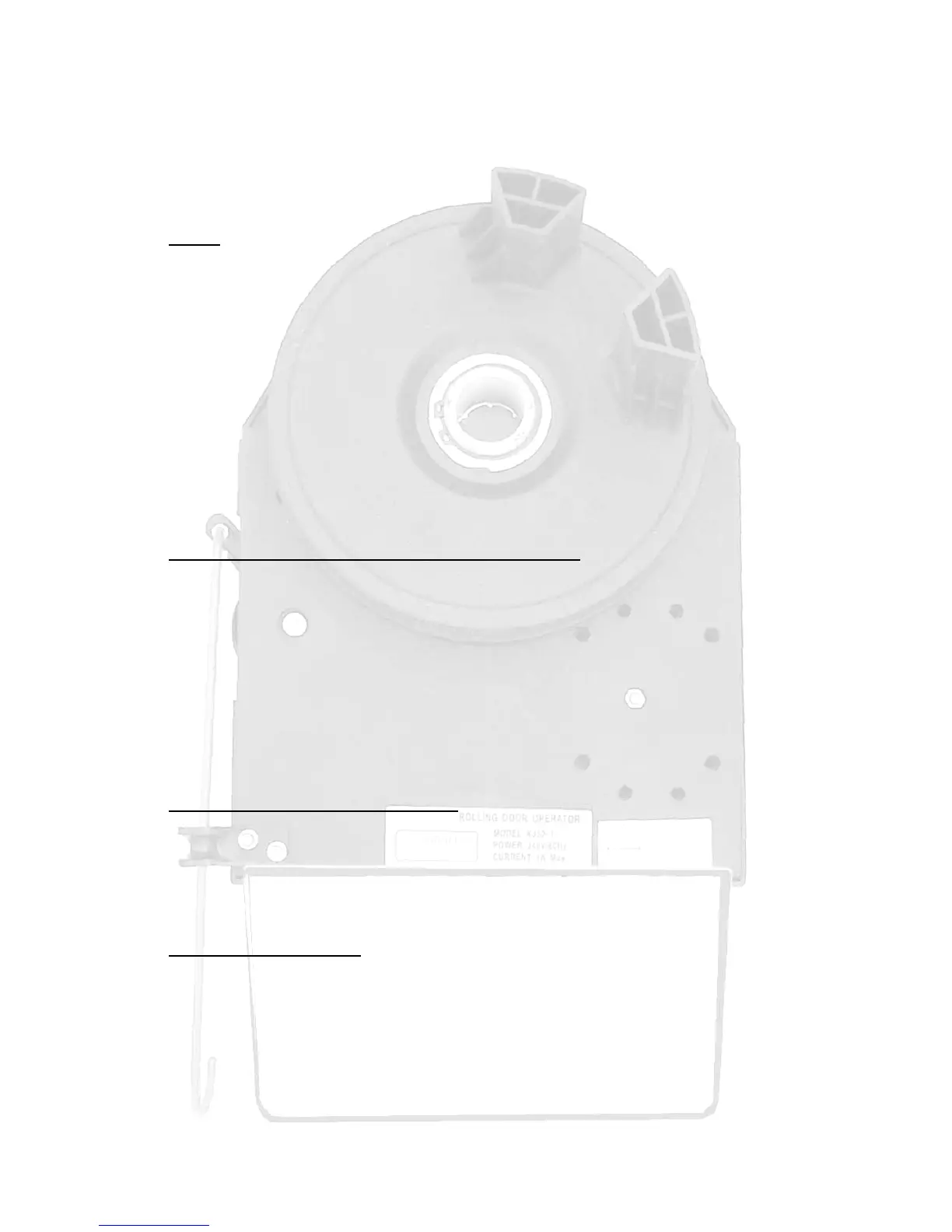
Fitting (see figure 1)
• Open the door and tie a rope or strap around to prevent it unrolling
• Support the door underneath by a door prop or similar to take the weight, use
padding to prevent damaging the door
• Remove the U-bolt clamp from the fitting side
• If space permits use the metal pipe to assist lifting the door by inserting it into
the door support shaft
• Lift and move the roller door shaft and slide on the RollerGlide to fit between
the bracket and the roller door
• Rotate the drive fork wheel and position its forks to engage the roller door
drum wheel
• Refit the original U-bolt clamp
• Align the RollerGlide in a vertical position and tighten its locking bolts
• After a final check remove the rope and door support prop
Setting limit switches by manually positioning the door (see figure 2)
• Limit switches are needed to stop the door at the correct open and closed
positions
• Remove the power, disengage the RollerGlide with the service lever and fully
open the door
• Turn the green cam wheel anti-clockwise until its limit switch clicks
• Close the door
• Turn the red cam wheel clockwise until its limit switch clicks.
• The matching coloured adjusting bolts are used for fine adjustment one turn is
about 10mm of door movement
• Accurate adjustment is needed to minimize noise and wear on the unit
Setting limit switches via control panel (see figure 3)
• With power on the open and close controls can be used to move the door
• When using the control panel open and close controls, the obstruction system
is disabled. Don’t allow the door to open or close beyond its end positions
or the RollerGlide may be forced out of position or even damaged, and
warranty will be viod.
Remote control operation (see figure 3)
• Operate the door with the remote control by pressing the remote button. The
door will open or close or stop each time the button is pressed
• Run the door up and down and finely adjust for the correct open and closed
positions by using the coloured adjusting bolts
• Should the remote not work see Adding Extra Remote Controls (page 1)



 To Next Page